


123 Form Builder is a platform that makes it easy to build any form for any purpose using a drag-and-drop builder. You can customize the design or use a template. The solution integrates with other tools and provides meaningful data in one place.
Get your snippet from 123 Form Builder
1. Log into your 123 Form Builder account.
2. Create a new form.

3. Customize the form and click on Publish.

4. To get the snippet, click on Embed (1) > JavaScript (2) and copy it (3). Go to Landingi.

Install the snippet in Landingi
1. Log in to your account in Landingi and go to the editor of your landing page.
2. On the left side of the editor, at the very bottom, find the HTML widget, then drag and drop it into the active area of your landing page.

3. Double-click on the widget or select Edit (HTML).
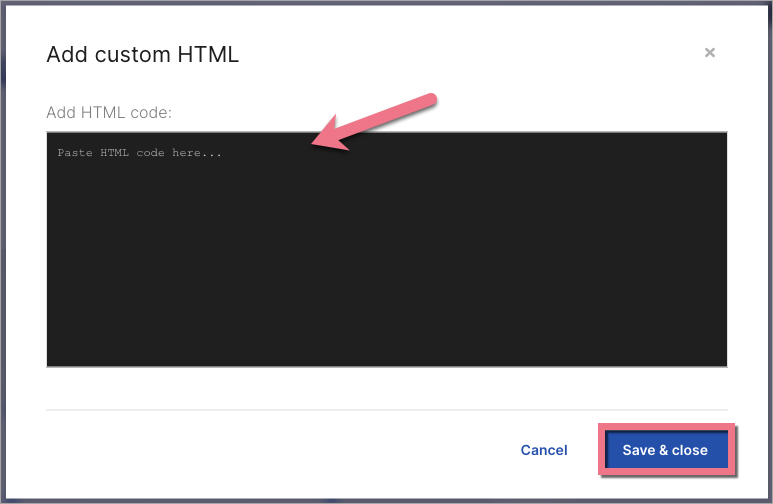
4. Paste the 123 Form Builder snippet. Click on Save and close.
5. Publish your landing page. Fill in the form and make sure that it works properly.

6. You install the code only once. Each time you edit a form in 123 Form Builder, it updates automatically.
This guide was made using our template called Full Day Spa Package. Go here to learn more about our ready-to-convert landing page templates.
Browse all integrations in our Integrations Catalog to see tools you can connect Landingi with.

