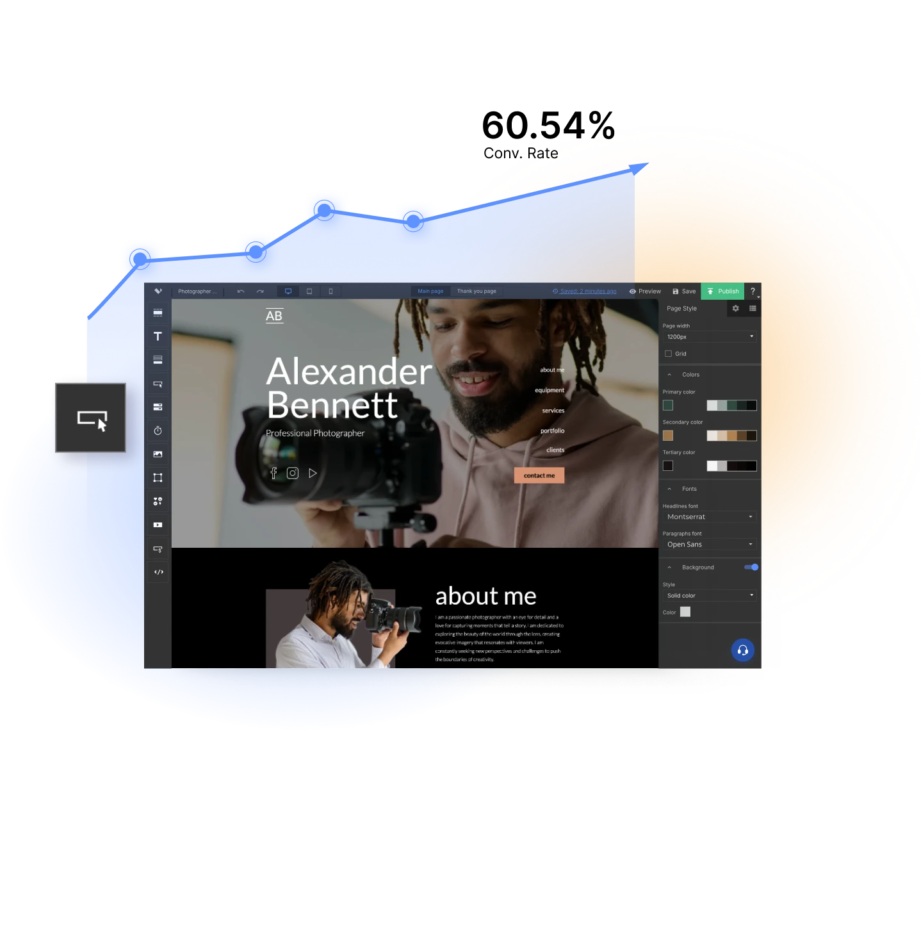

A limited builder limits the campaign
When the editor cannot match the offer, brand, or workflow, teams compensate with workarounds, developer requests, and manual fixes.
Your campaigns deserve pages shaped around their goals – without trading speed for control
Generate qualified leads
Launch marketing pages for campaigns, webinars, consultations, demos, and newsletter sign-ups.
Use customizable forms and clear conversion paths to collect the information your team needs for follow-up.

Build your online presence
Create branded one-pagers and microsites for companies, products, events, or initiatives.
Present essential information in a focused format without setting up and maintaining a full website.
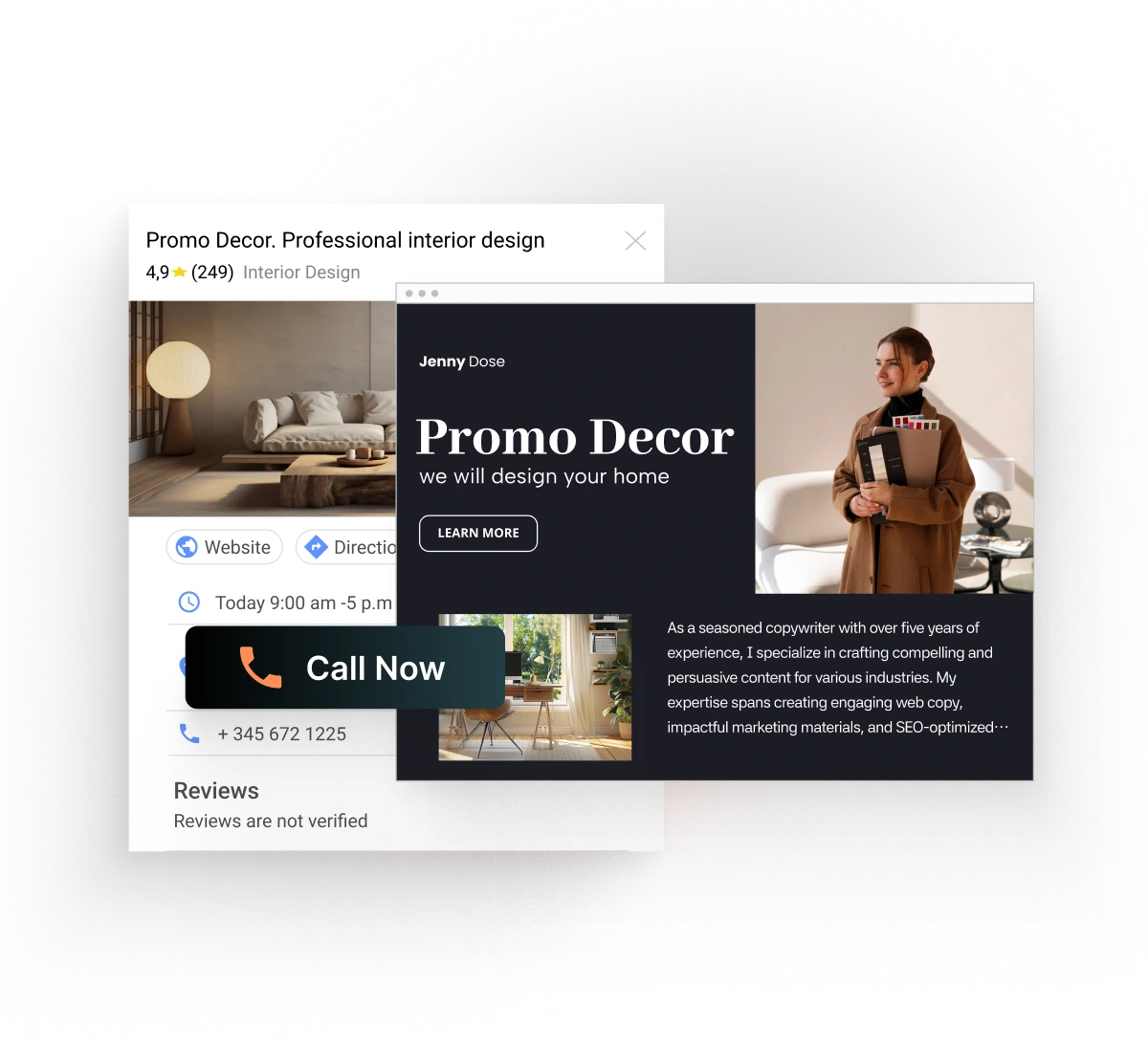
Turn interest into sales
Build focused pages for products, services, courses, and limited-time offers.
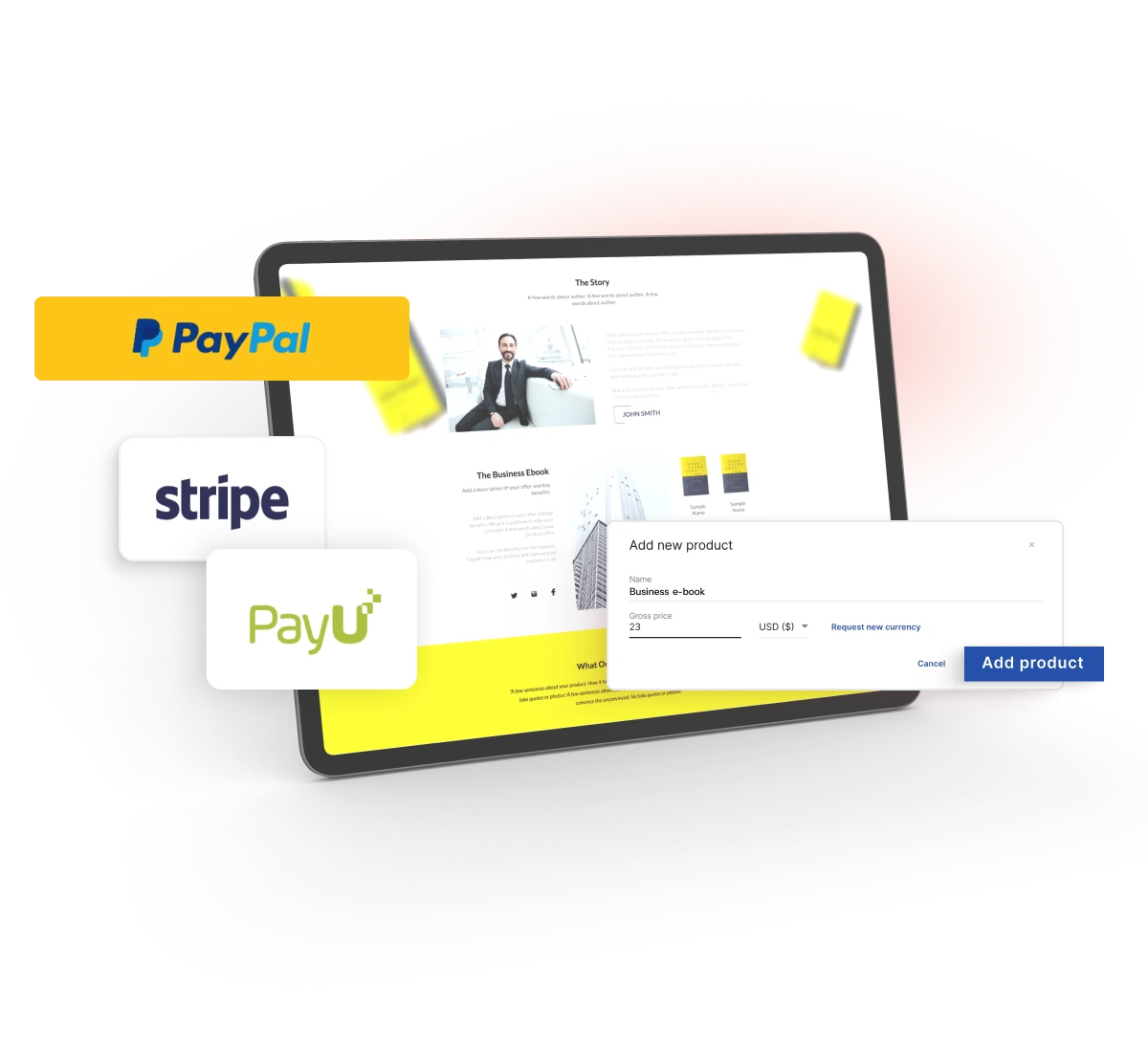
Combine persuasive content with Stripe, PayU, or PayPal buy buttons to move visitors directly from the offer to the purchase.
Share valuable resources
Promote ebooks, reports, templates, guides, and other downloadable materials.
Offer open access or place content behind a form to turn useful resources into new contacts for your marketing and sales teams.

Build with the elements the campaign needs
Combine layout, content, interaction, and conversion widgets in one editor. Use only what supports the marketing page goal.
Content
Add and customize text, images, icons, and video, with dynamic text replacement for more relevant messaging, without moving the design process into separate tools.
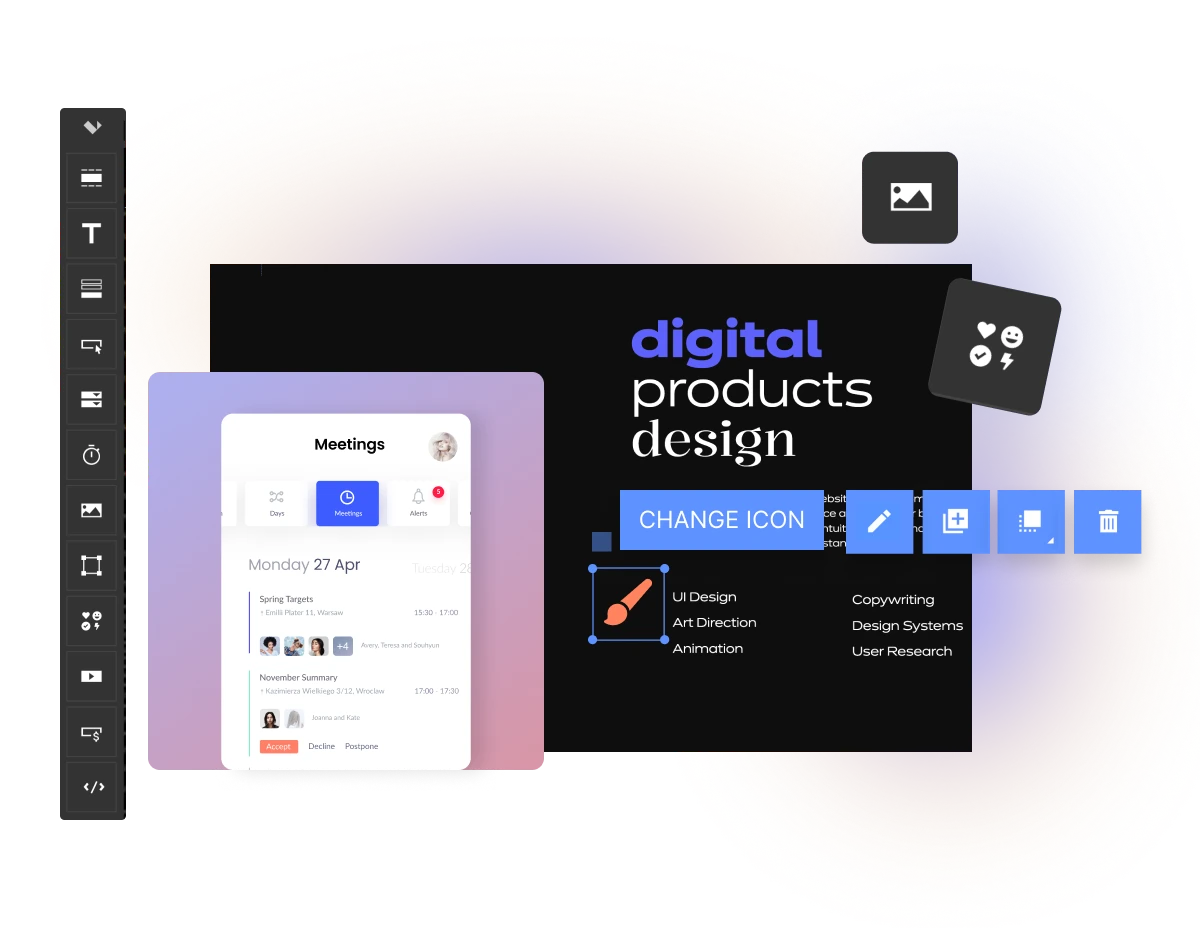
Conversion elements
Capture leads with forms, accept payments through Stripe, PayU, or PayPal buy buttons.
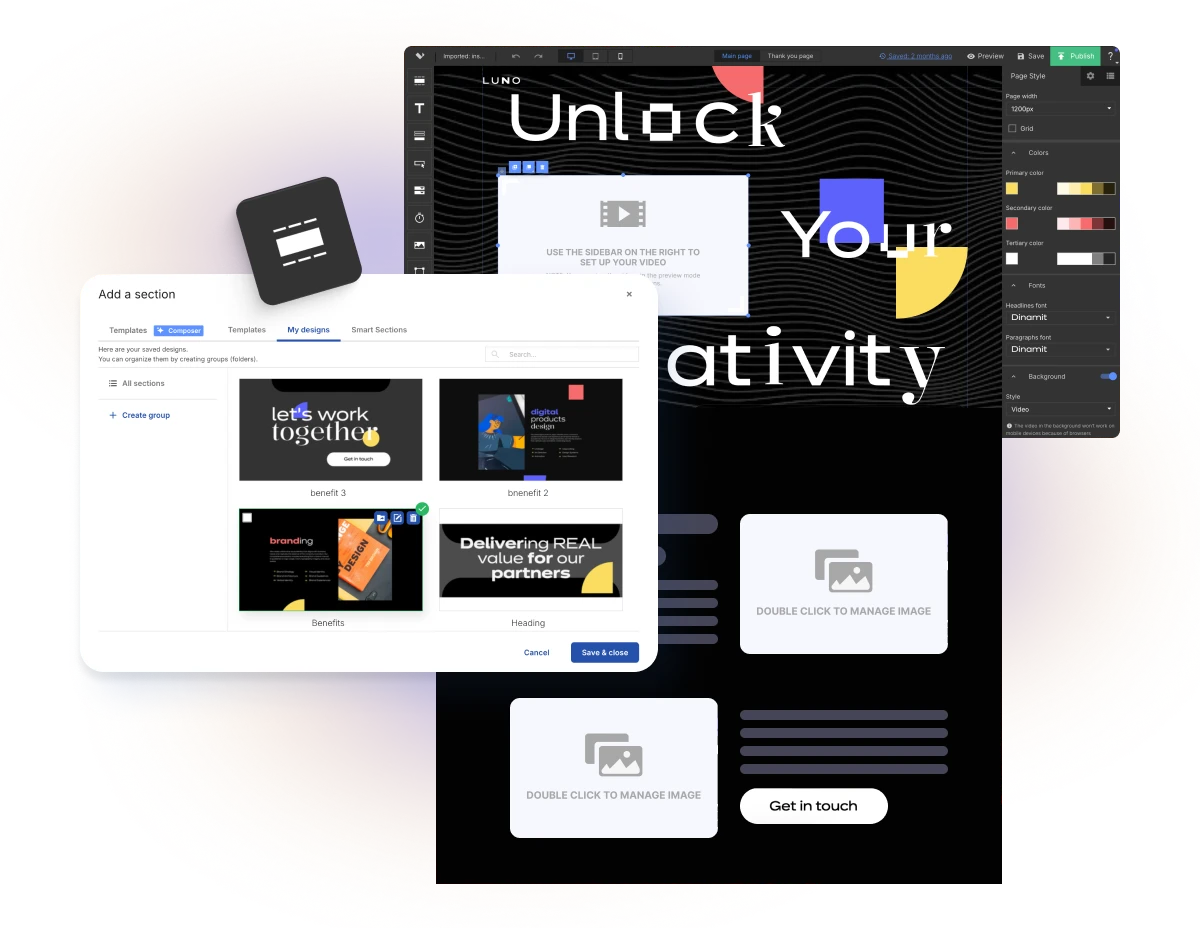
Structure
Build layouts with sections and shapes, then adjust elements independently for desktop and mobile views. Turn repeated content into Smart Sections when it needs to stay consistent across multiple pages.
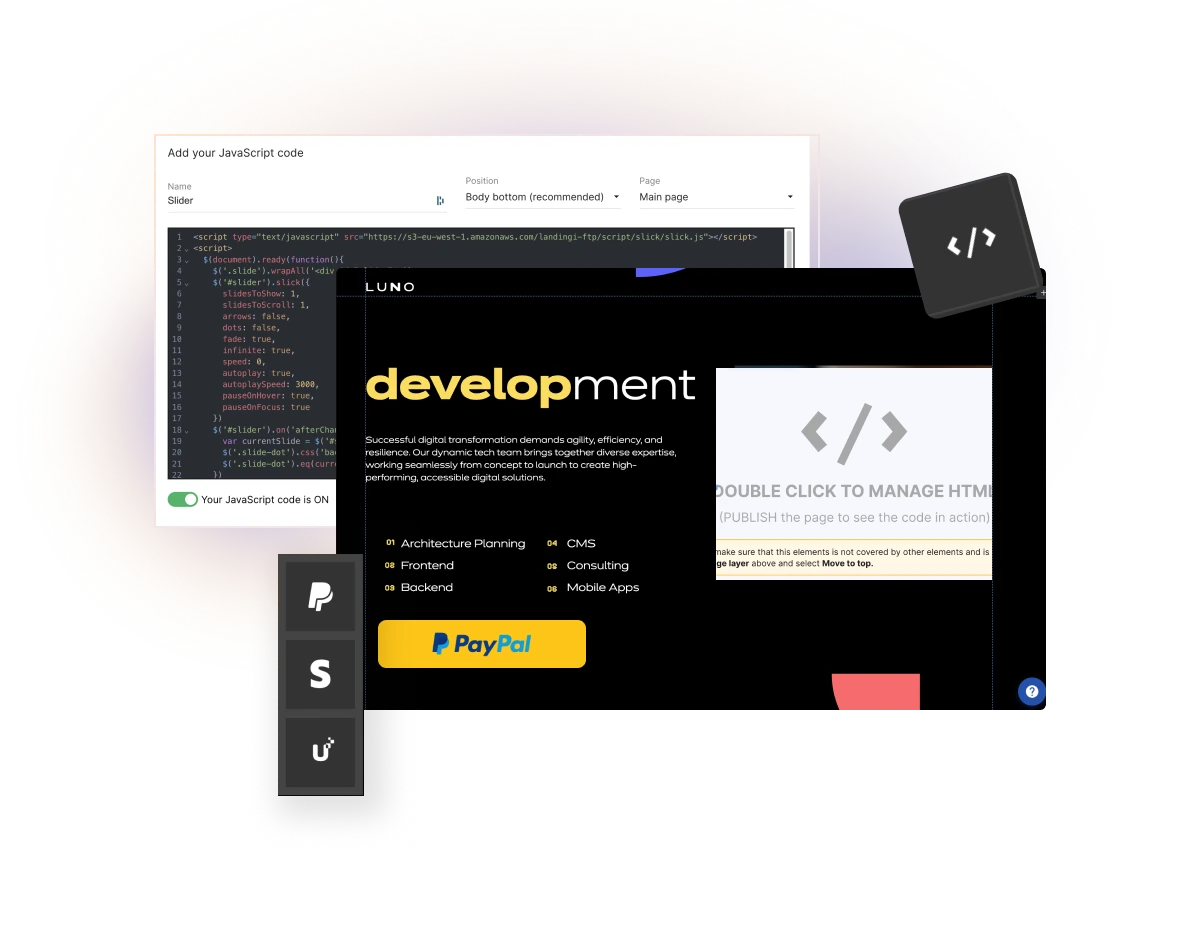
Custom elements
Add custom elements with the HTML widget, CSS, or JavaScript codes.
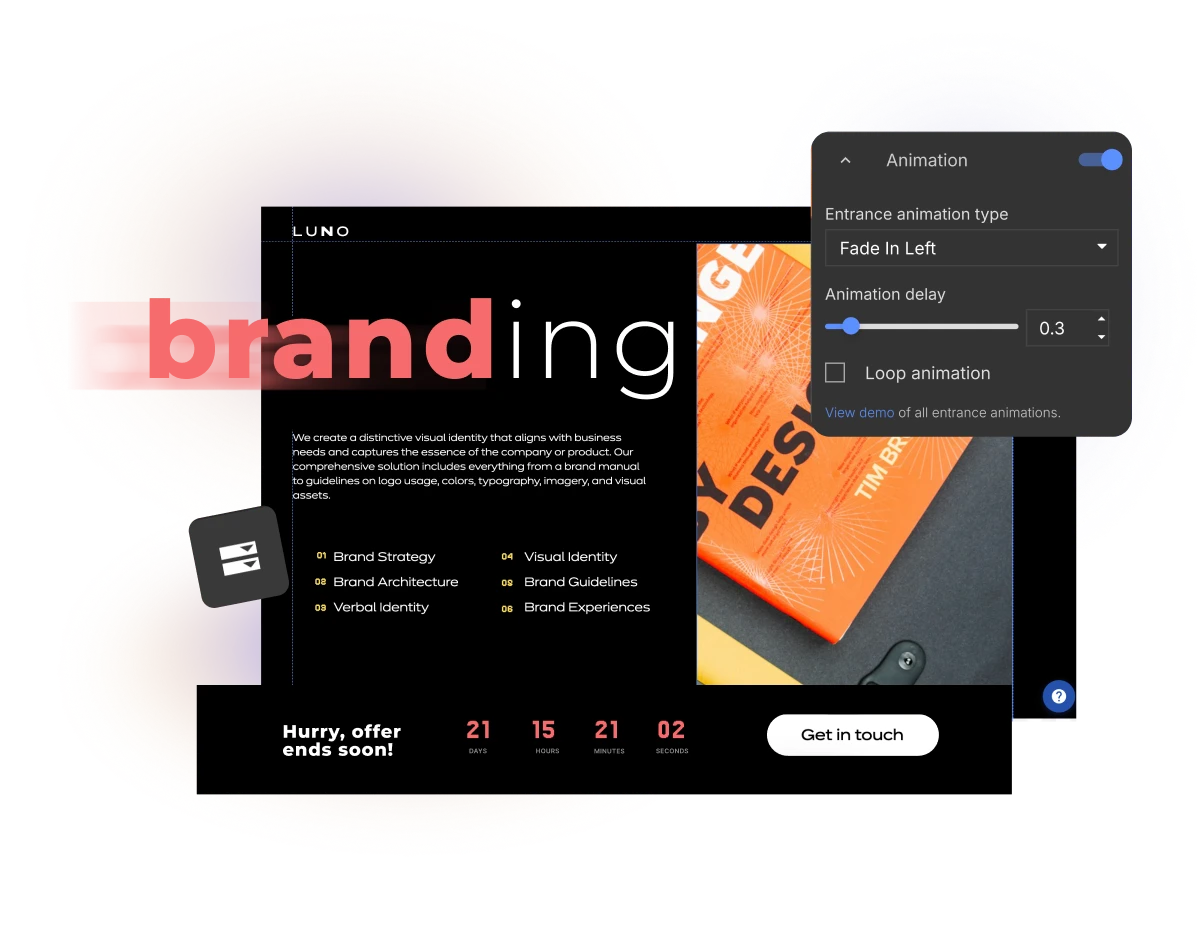
Interaction
Use buttons, counters, animations, and accordions to direct attention, present additional details, and support visitor decisions.
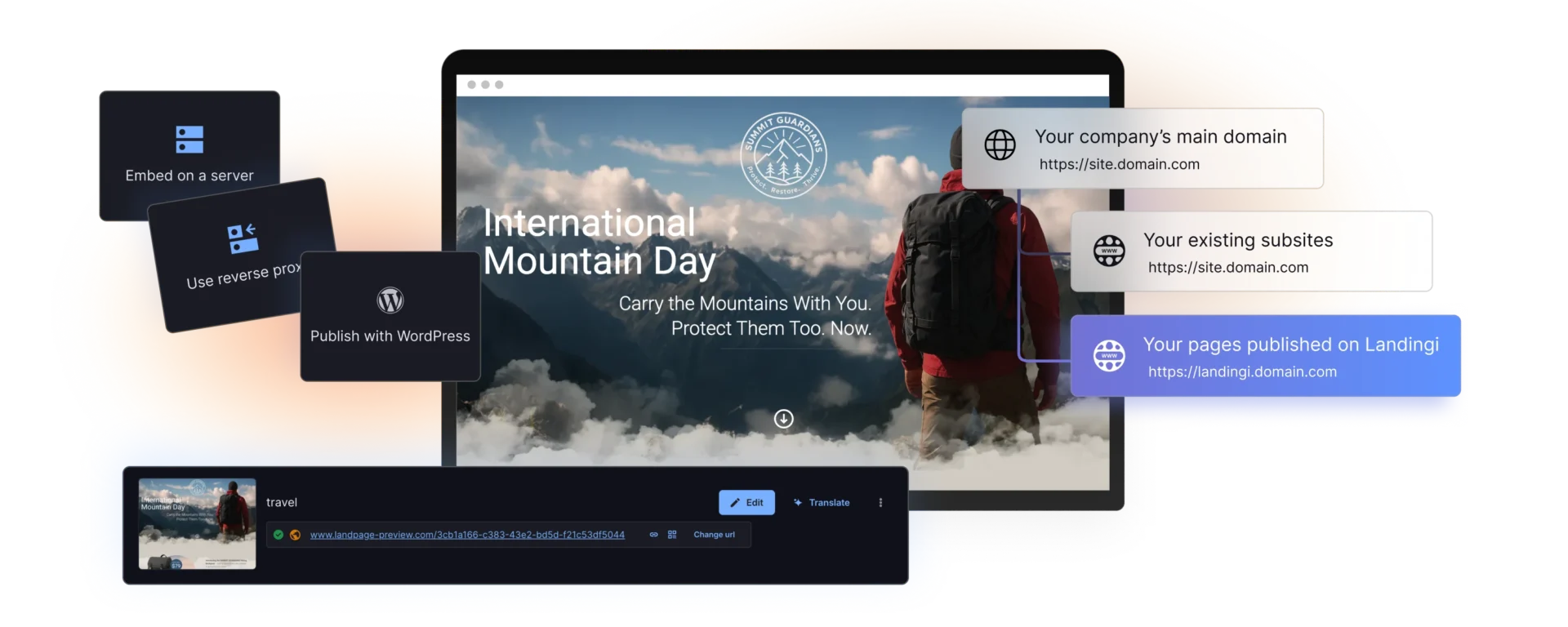
Publish where the campaign needs to live
Publish on a custom domain, connect pages to WordPress, add them to an existing PHP environment, or use a reverse proxy. Once the publishing setup is in place, continue managing page updates in Landingi.
Extend every page into a scalable campaign workflow
With Landingi, you can go beyond individual page design with tools for high-volume production, international campaigns, and lead capture.


Generate on-brand copy
Create sections, page content, and SEO metadata with built-in AI tools.
Keep images fast and editable
Compress, resize, crop, and edit visuals directly in Landingi.
Control social previews
Choose how every page appears when shared on social platforms.
Optimize for search
Set metadata, headings, image alt text, and other SEO essentials.
Capture the right data
Build custom forms and connect leads with your marketing stack.
Guide the next step
Accept payments, create thank-you pages, or redirect visitors.
Add interactive content
Use videos, accordions, counters, lightboxes, and sticky bars to drive engagement.
Reuse and manage at scale
Save sections, update shared content, move assets, and restore earlier versions.
Give the next campaign a page built for its goal
Landing Page Builder FAQ
What is a landing page builder?
A landing page builder is a tool for creating focused campaign pages without developing them from scratch. Landingi combines no-code visual editing with advanced styling, custom code, AI generation, conversion widgets, publishing options, and tools for managing larger landing page operations.
What can I build with the Landingi builder?
In Landingi, you can create landing pages, microsites, one-pagers, mobile pages, thank-you pages, and lightboxes. The editor supports both short conversion-focused campaigns and more extensive branded experiences.
Can I customize the mobile version separately?
Yes. Landingi generates a mobile view based on the desktop page, but you can adjust its layout independently. You can move or hide elements, change section heights, and rebuild the full mobile view or individual sections without changing the desktop arrangement.
How can I publish a landing page?
You can publish landing pages on a custom domain, connect them to WordPress, integrate them with an existing PHP environment, or use a reverse proxy. The page remains editable in Landingi after the publishing connection has been configured.
How fast can marketing teams create landing pages in Landingi?
Thanks to automation and reusable elements, landing page creation in Landingi is near-instant. With no-code editing, an AI-powered full-page generation, reusable sections, and asset libraries, teams skip repetitive work. This efficiency supports quick testing and faster campaign launches.
Can I automate landing page creation for multiple campaigns or locations?
Yes, with Landingi, you can easily automate and scale the creation of landing pages for hundreds of campaigns or locations.
The Programmatic Landing Pages tool lets you generate dynamic, personalized pages from a single template – ideal for geo-targeted or product-specific variations. The built-in translation tool, which supports over 35 languages, makes it effortless to build multi-language landing pages. Additionally, Smart Sections let you apply changes across multiple pages with just one edit to keep content consistent and updates efficient.
What AI features does the Landingi landing page builder offer?
Landingi offers AI-powered tools that accelerate workflow and page creation:
- Lunar, AI landing page generator, that creates a complete, ready-to-publish page from your prompt.
- Solis, AI optimization tool, that analyzes behavioral data and page context to give you smart insights and recommendations.
- AI Text Assistant produces targeted copy for each section based on defined conversion goals.
- AI SEO copy generator crafts meta keywords, titles, and descriptions to enhance search visibility.
- AI background remover handles quick image edits and speeds up the design process.
What does Landingi offer for affiliate marketers as a landing page builder?
Affiliate marketers can use Landingi to create optimized, mobile-ready pages that convert.
The drag-and-drop editor, templates tailored for affiliate offers, and AI-powered features streamline landing page creation. Smart Sections allow content blocks to be reused and updated across pages, saving time. Default mobile optimization ensures a smooth user experience across devices, while built-in A/B testing and real-time analytics help optimize campaigns for better performance. Additionally, Landingi offers pop-ups and exit-intent forms that help re-engage visitors and capture more leads.
What does Landingi offer for news publishers as a landing page builder?
Landingi allows news publishers to design personalized landing pages that drive reader engagement. Dynamic text replacement tailors messaging based on UTMs, while lead capture forms and pop-ups encourage newsletter signups and subscriber growth. Built-in analytics and integrations with email tools support ongoing audience development.
What does Landingi offer for lead generation as a landing page builder?
Landingi supports effective lead generation with custom-built forms, effective pop-ups, and optimized landing pages. Users can easily create multi-step or straightforward forms to collect user data, use A/B testing to improve conversion rates, and integrate with CRMs and email tools to automate follow-up. All forms and pages are mobile-optimized by default.
What does Landingi offer for A/B testing as a landing page builder?
Landingi offers built-in A/B testing that lets users compare landing page variants and improve conversion rates – without needing external tools. From the Dashboard, users can create multiple versions of a page, split traffic between them, and analyze performance metrics like visits and conversions to identify what drives better results (built-in EventTracker tool enables advanced tracking). It’s a fast, reliable way to improve campaigns over time.
What does Landingi offer for marketing teams as a landing page builder?
Landingi helps marketing teams manage large-scale campaigns more efficiently. With subaccounts, teams can easily organize projects or clients in separate workspaces. Custom roles and permissions support secure collaboration, and Audit Log adds transparency by recording every action taken within the account. Additionally, integrations with over 180 marketing tools streamline campaign execution across channels.
What is the best landing page builder?
Landingi is one of the best landing page builders when speed, autonomy, and performance matter most. The platform combines a no-code editor with AI-driven features, essential tools like lead capture, A/B testing, user interaction tracking, and powerful automation tools for large projects. Landingi is particularly well-suited for entrepreneurs, marketing teams, and agencies that want to launch campaigns at scale, test and optimize pages independently, and avoid technical dependencies.