Updating pages shouldn’t slow down your team
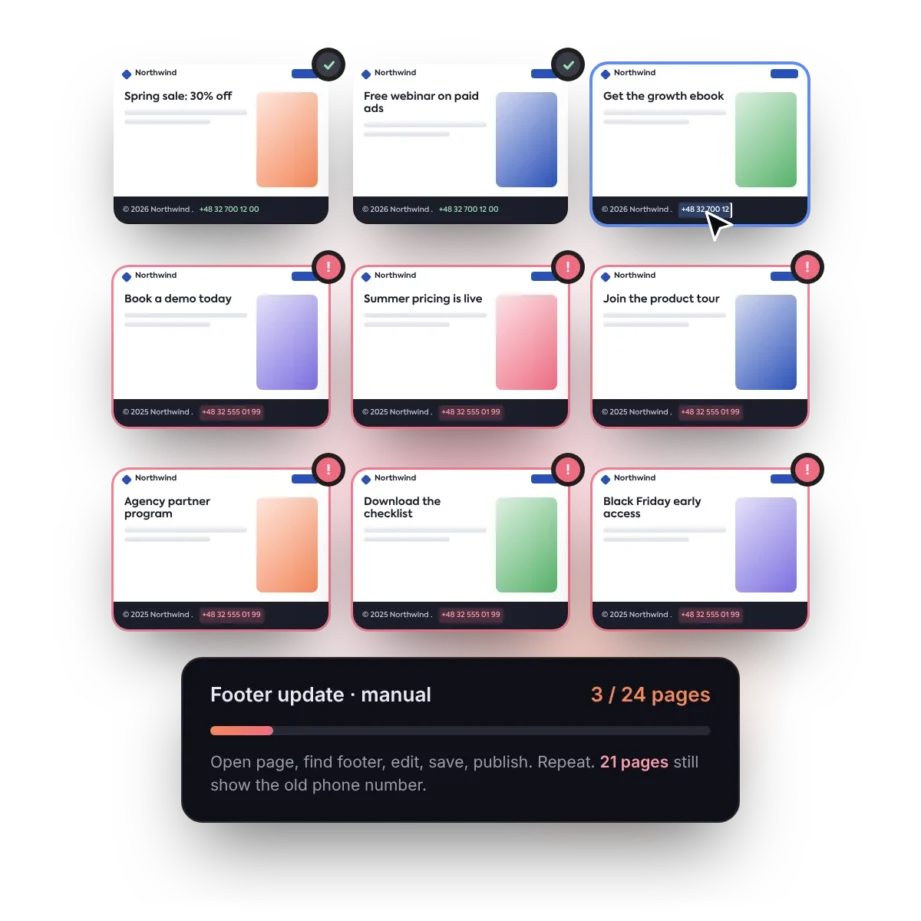
When the same section appears across many landing pages, even a small update can turn into repetitive manual work.

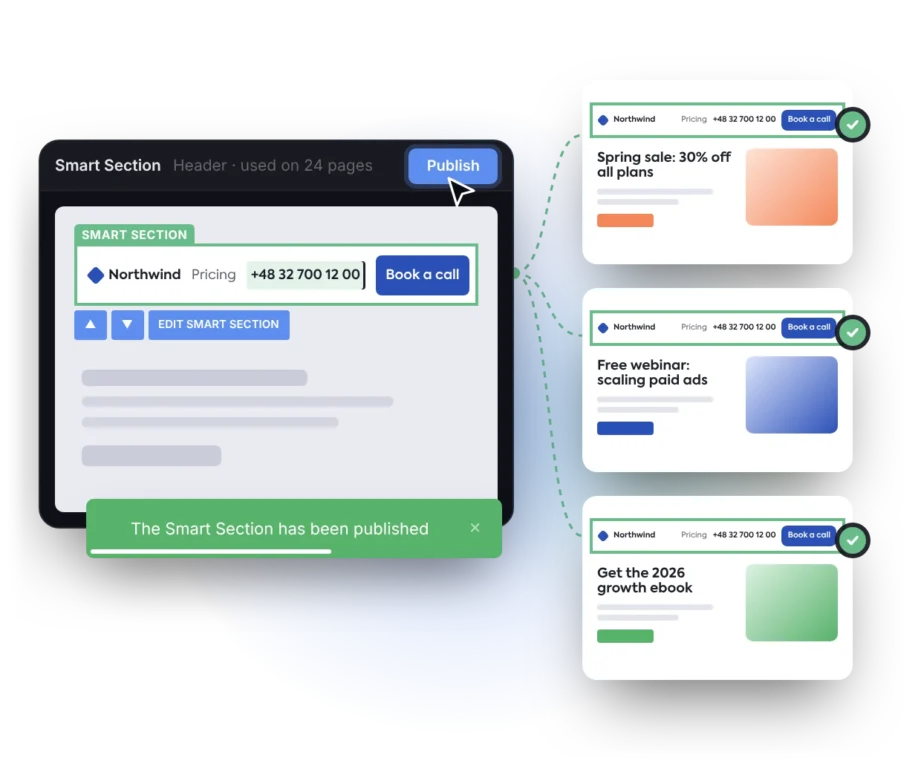
Smart Sections let you manage shared page content as reusable, centrally updated blocks
Global blocks for landing page operations at scale
Smart Sections are designed for marketing teams that manage many landing pages with recurring content, repeated layouts, or shared campaign elements. They help teams maintain consistency across large page portfolios while keeping campaign workflows fast and flexible.
Global footers
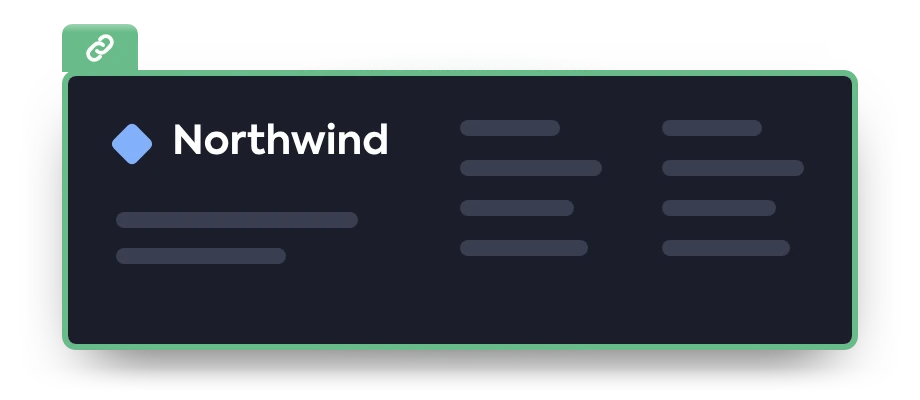
Keep contact details, company information, privacy links, terms, and compliance notes aligned across every landing page.
FAQ sections
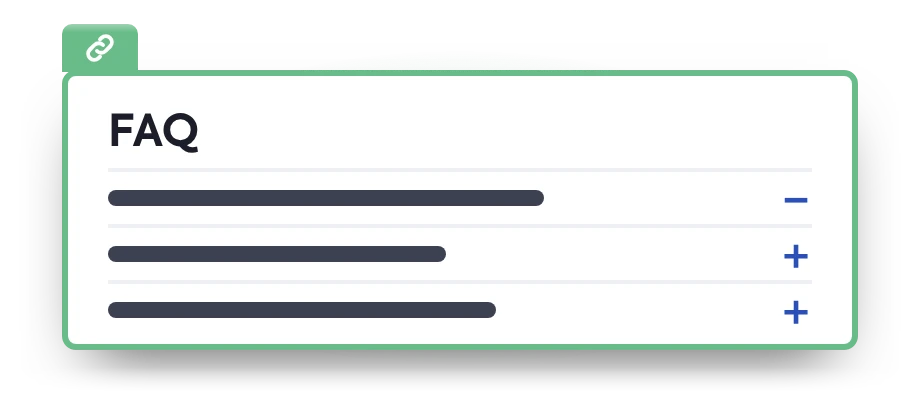
Keep answers about pricing, delivery, onboarding, or product details accurate across every page that uses the same FAQ block.
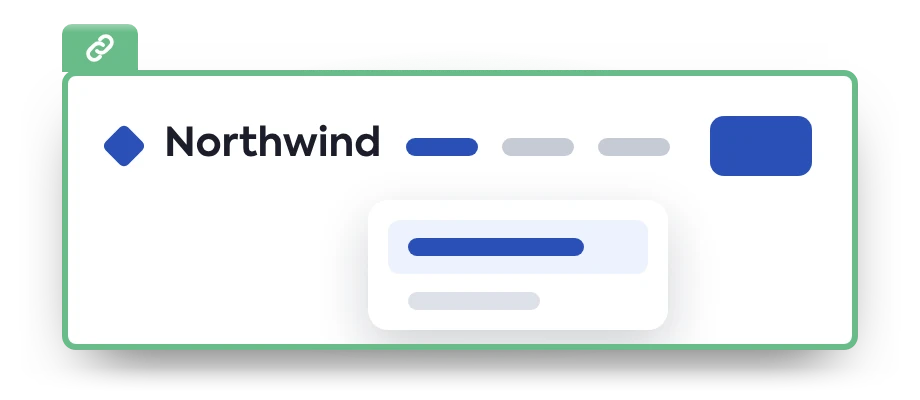
Headers and navigation
Reuse menus, campaign navigation, or brand headers across related landing pages and update them centrally when structure or messaging changes.
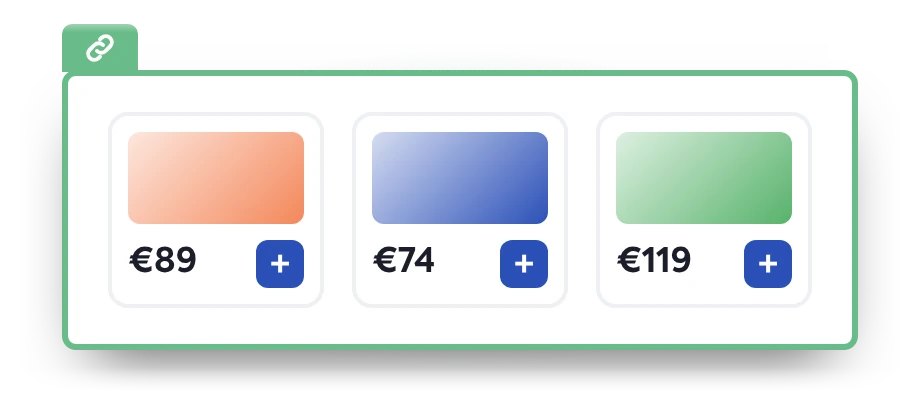
Product highlights
Update key features, pricing details, and offer descriptions across product and campaign pages whenever your offer changes.
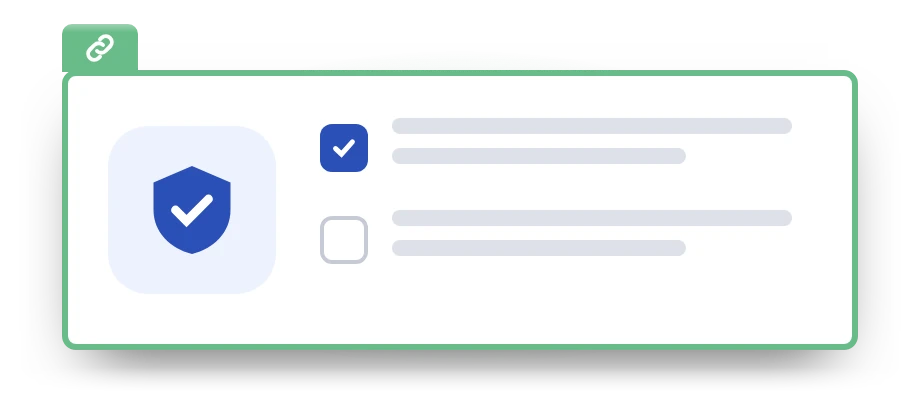
Compliance blocks
Manage disclaimers, consent information, policy links, or regulated content from one place to reduce the risk of outdated information.
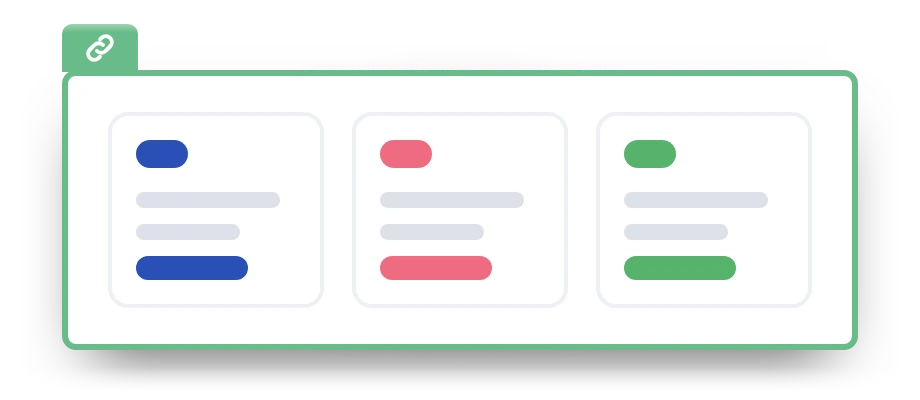
Agency templates
Create reusable blocks for client pages, campaign packages, or recurring landing page structures, then manage shared elements more efficiently.

Testimonials and reviews
Refresh social proof blocks without rebuilding every page that uses the same testimonial section.
“About us” sections
Keep company descriptions, team profiles, and credibility-focused content consistent across campaign pages.
Promotional banners
Change limited-time offers, campaign deadlines, event dates, or discount messages across multiple landing pages at once.
Client logo bars
Update customer logos, partner badges, trust marks, and media mentions across all relevant landing pages.
Manage shared sections with more control
Smart Sections give your marketing team a structured way to create, update, and manage reusable page blocks across multiple landing pages.
Dedicated builder
Create and edit Smart Sections in a dedicated builder for reusable page content. Maintain shared sections without adding more manual work as your page portfolio grows.
Location control
Check where each Smart Section is used before publishing updates. This gives you precise control over where changes will appear and helps prevent updates from going live in the wrong place.
Bulk management
Update shared sections across multiple landing pages to keep messaging, branding, and campaign content aligned. Adapt connected pages without editing each one separately.
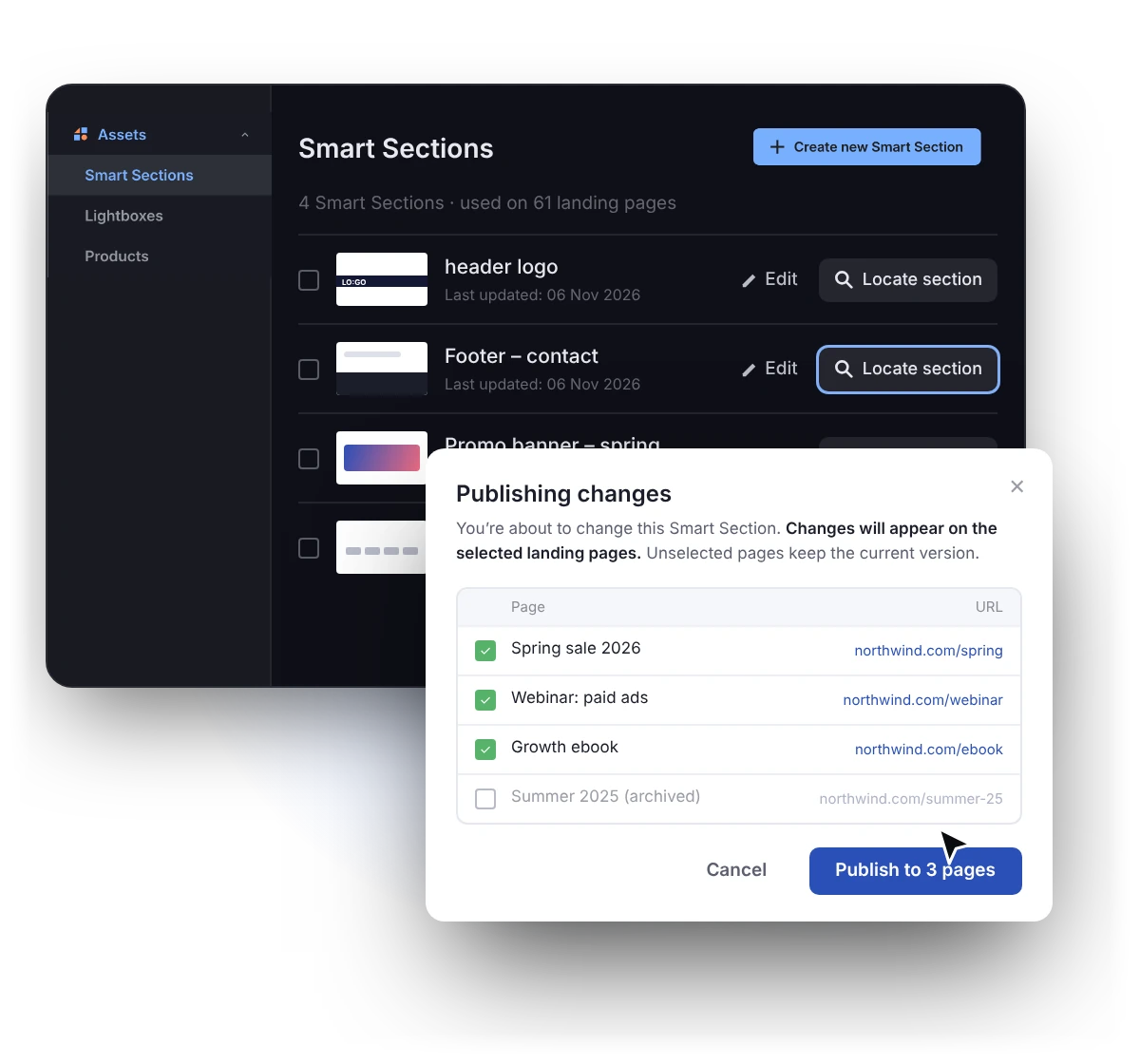
One section, multiple pages, one update
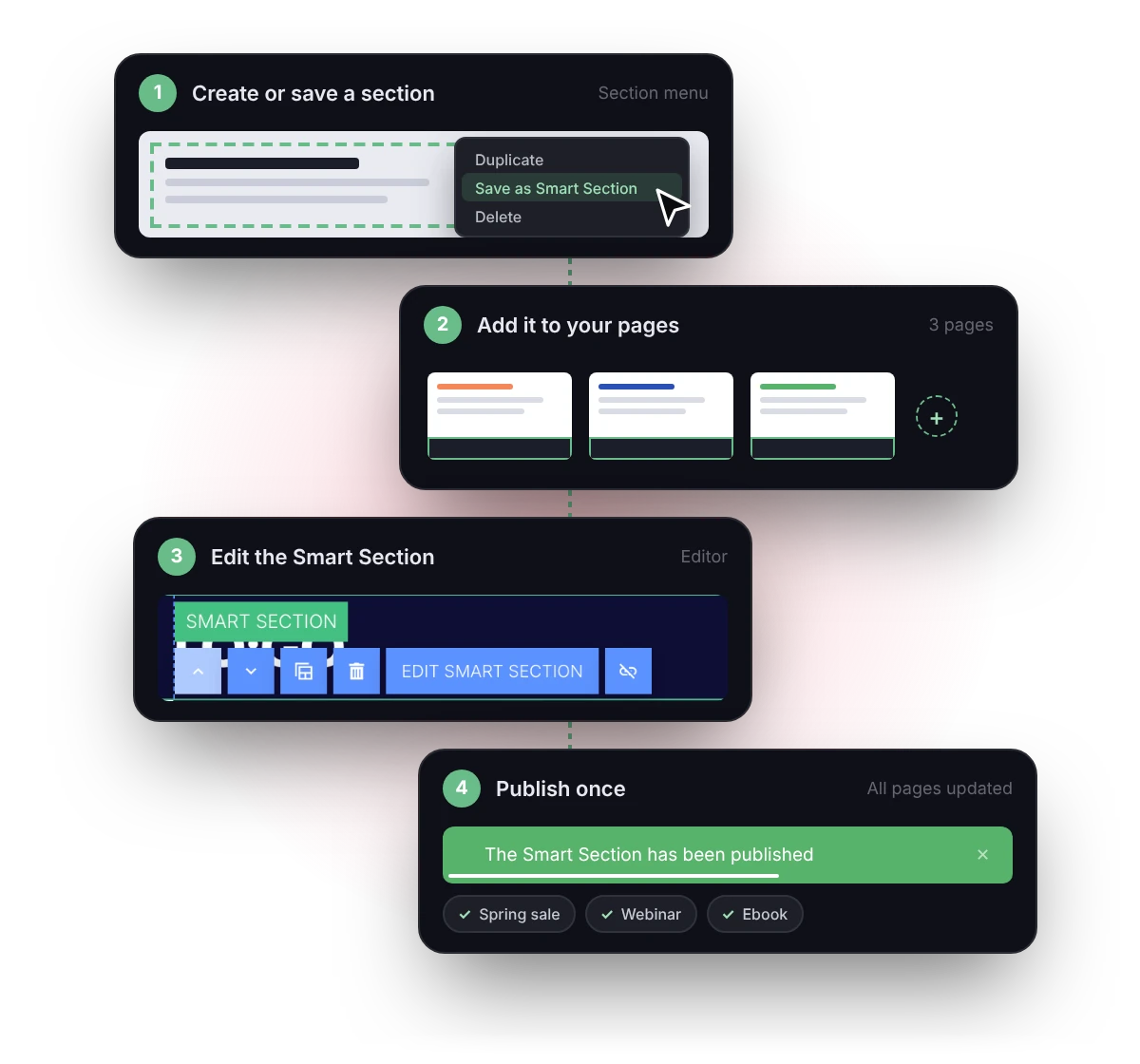
Smart Sections are reusable landing page sections that can be added to multiple pages and managed in Landingi from a dedicated Smart Section editor.
Here’s how they work:
1. Create a section or save an existing section as a Smart Section.
2. Add it to the landing pages where it should appear.
3. Edit the Smart Section whenever the content or design needs to change.
4. Click ‘Publish’ to update every landing page that uses that section.
Build faster. Maintain less.
Stay consistent.
Smart Sections FAQ
What is a Smart Section?
A Smart Section is a reusable landing page block that can be added to multiple pages and managed from one dedicated editor. When you publish changes to that section, Landingi automatically applies the update to every landing page that uses it.
This makes Smart Sections useful for recurring elements such as headers, footers, testimonials, logo bars, campaign banners, legal notes, or “About us” sections.
Can one landing page use multiple Smart Sections?
Yes. One landing page can include multiple Smart Sections, and the same Smart Section can also be used more than once on a page. This gives you more control over reusable page structure. For example, one landing page can use a shared header, testimonial block, logo bar, FAQ section, and footer – each managed as a separate Smart Section.
Who should use Smart Sections?
Smart Sections are built for marketers, agencies, enterprise teams, and any team that manages multiple landing pages with repeated content or layouts.
Smart Sections are especially useful when you need to keep shared page elements consistent across many campaigns, brands, clients, or markets – without updating every landing page manually.
Which Landingi plan includes Smart Sections?
Smart Sections are included in the Landingi’s Optimize plan and are also available in higher plans, including Scale and Enterprise.
If your team manages many landing pages or needs to keep recurring sections consistent across campaigns, Smart Sections can help reduce manual updates and simplify page management at scale.
What is the difference between a regular section and a Smart Section?
A regular section is edited only on the landing page where it appears. Landingi’s Smart Sections can be reused across multiple landing pages and managed from a dedicated editor, so one published update can synchronize the section across every connected page.
How do Smart Sections help manage multiple landing pages?
In Landingi, Smart Sections make it easier to manage multiple landing pages by centralizing repeated content and layout elements.
Your team can reuse the same section across different campaigns, update it when needed, and keep every connected page aligned without rebuilding or republishing pages one by one.
How can Smart Sections reduce landing page maintenance work?
Smart Sections reduce maintenance work by letting Landingi users update shared page sections from one place instead of editing every landing page separately.
When a recurring block such as a footer, banner, testimonial section, or legal note changes, you can publish the update once and apply it across all connected pages.