Your brand guidelines become part of AI page generation
Brand Kit combines design instructions with the assets and information Lunar needs to create pages for your business. Select your kit when generating a landing page, and your brand becomes part of the brief from the start.
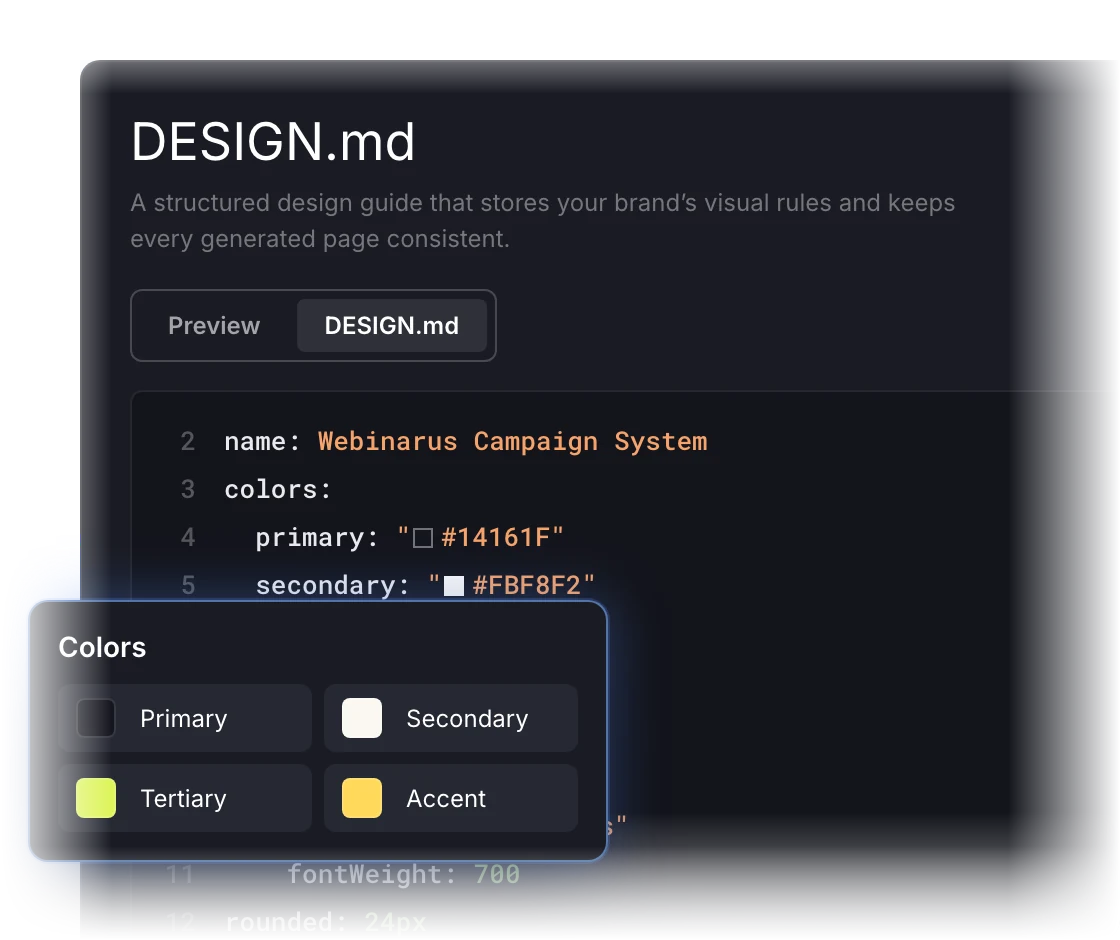
Define how your brand looks with DESIGN.md
Capture your colors, fonts, spacing, corner styles, and other visual rules in an editable design guide. Give AI specific instructions it can reuse across projects.
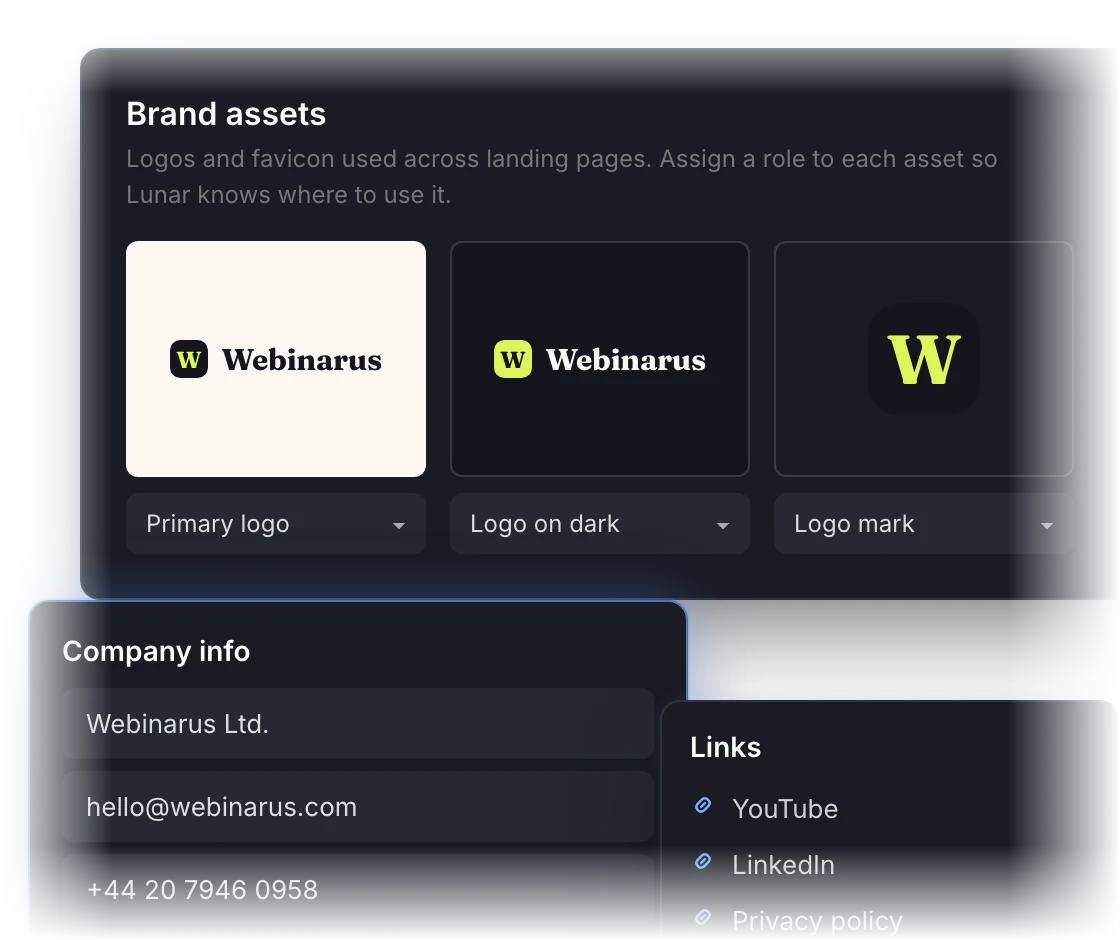
Keep your brand essentials ready
Brand Details stores your logos, favicon, company information, contact details, and key links. Reuse those essentials without collecting and entering them for every campaign.
Less repeated work as your campaign volume grows
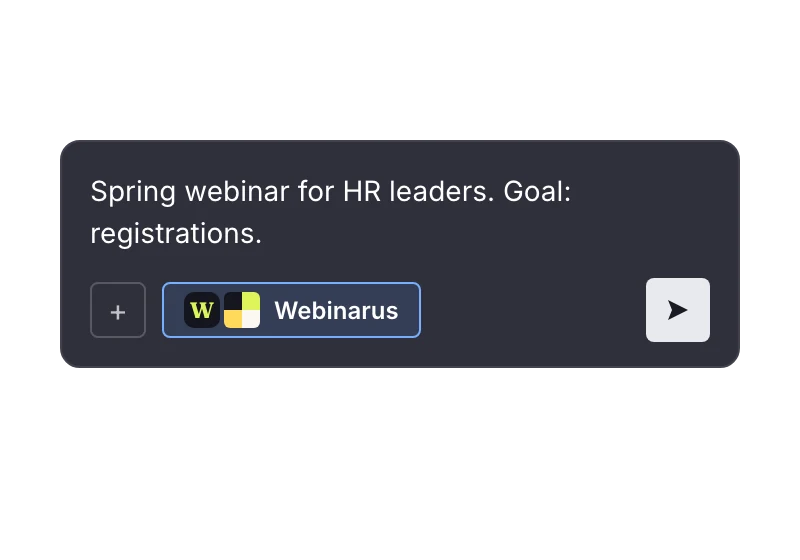
Brief the campaign, reuse the branding
Keep your brand setup ready for each new project. Your team can focus its briefs on the audience, offer, and campaign goals.
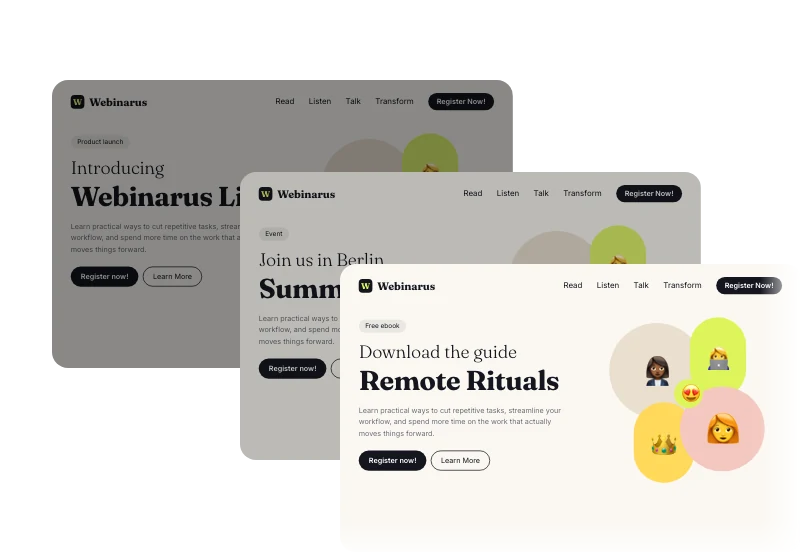
Give teams a consistent reference
Use the same visual guidelines across product launches, event registrations, and lead gen pages. Help contributors keep your brand recognizable.
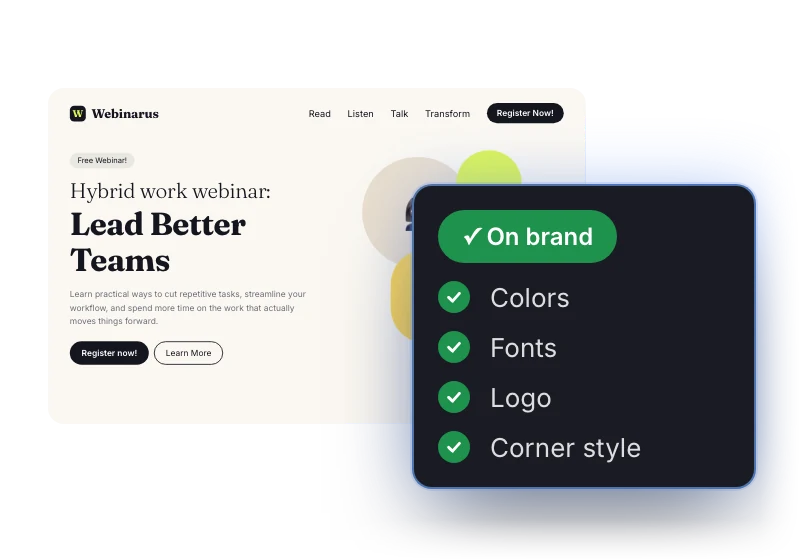
Reduce avoidable design rework
Bring brand requirements into the first draft. Help marketing and design teams spend less time correcting recurring visual mismatches.
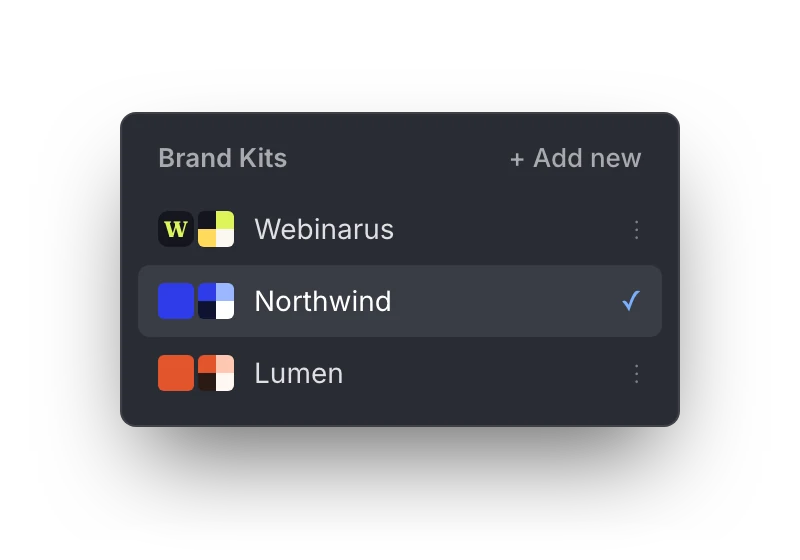
Keep distinct brands organized
Create separate kits for different brands or business units. Select the relevant identity and assets for each project.
Turn the brand you already have into a reusable kit
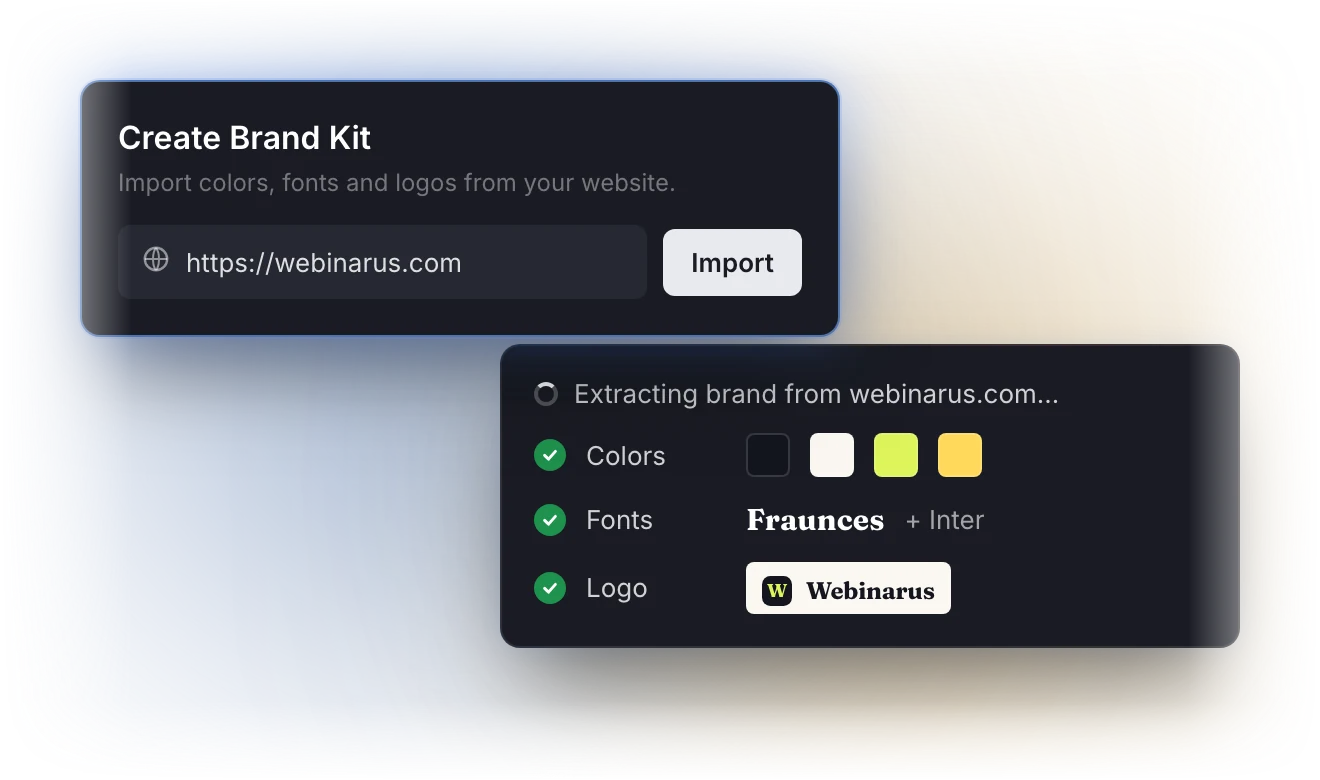
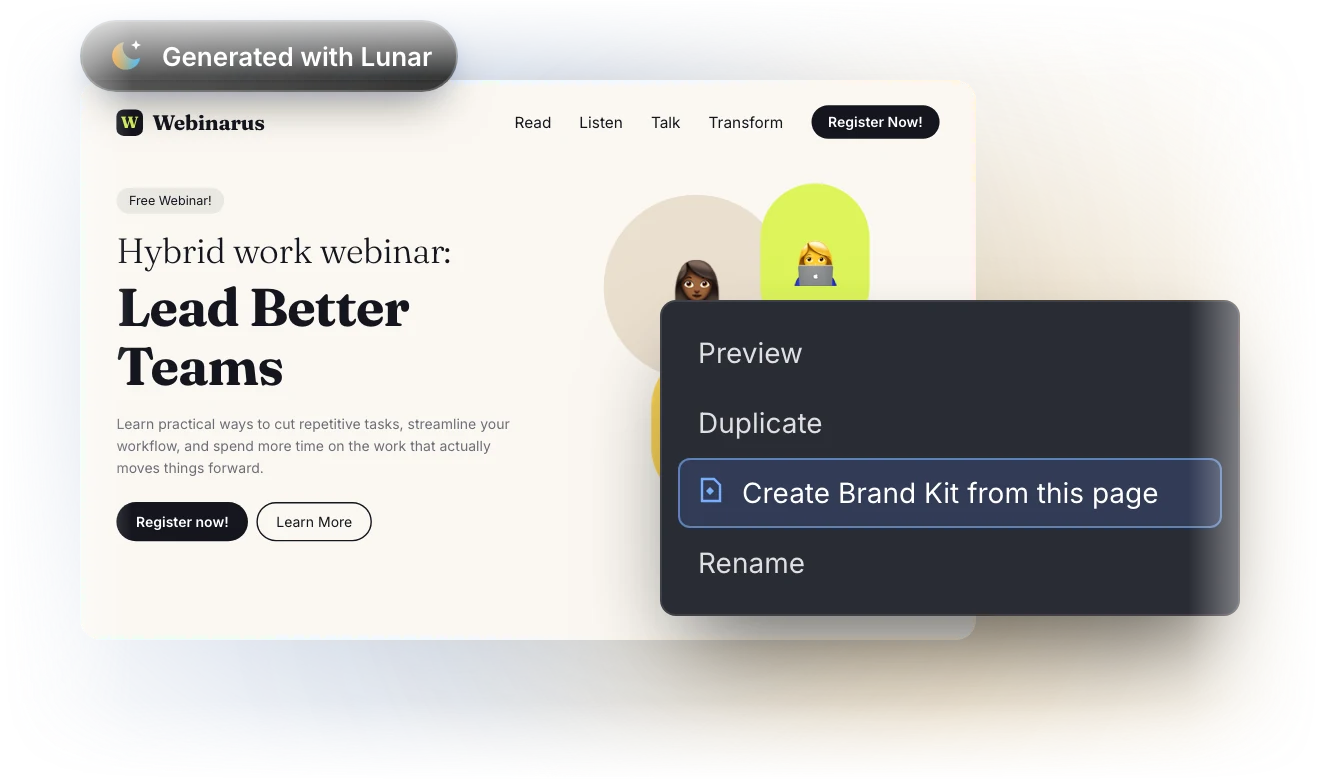
Create a Brand Kit from your website, an existing Lunar landing page, or your guidelines to reuse your branding across AI-generated landing pages.

Generate your design guide and import brand details from your website. Review and refine them before use.

Define your visual guidelines and add your assets manually. You can also upload an existing DESIGN.md file.

Create a Brand Kit from an existing landing page’s DESIGN.md to reuse its visual direction in future campaigns.
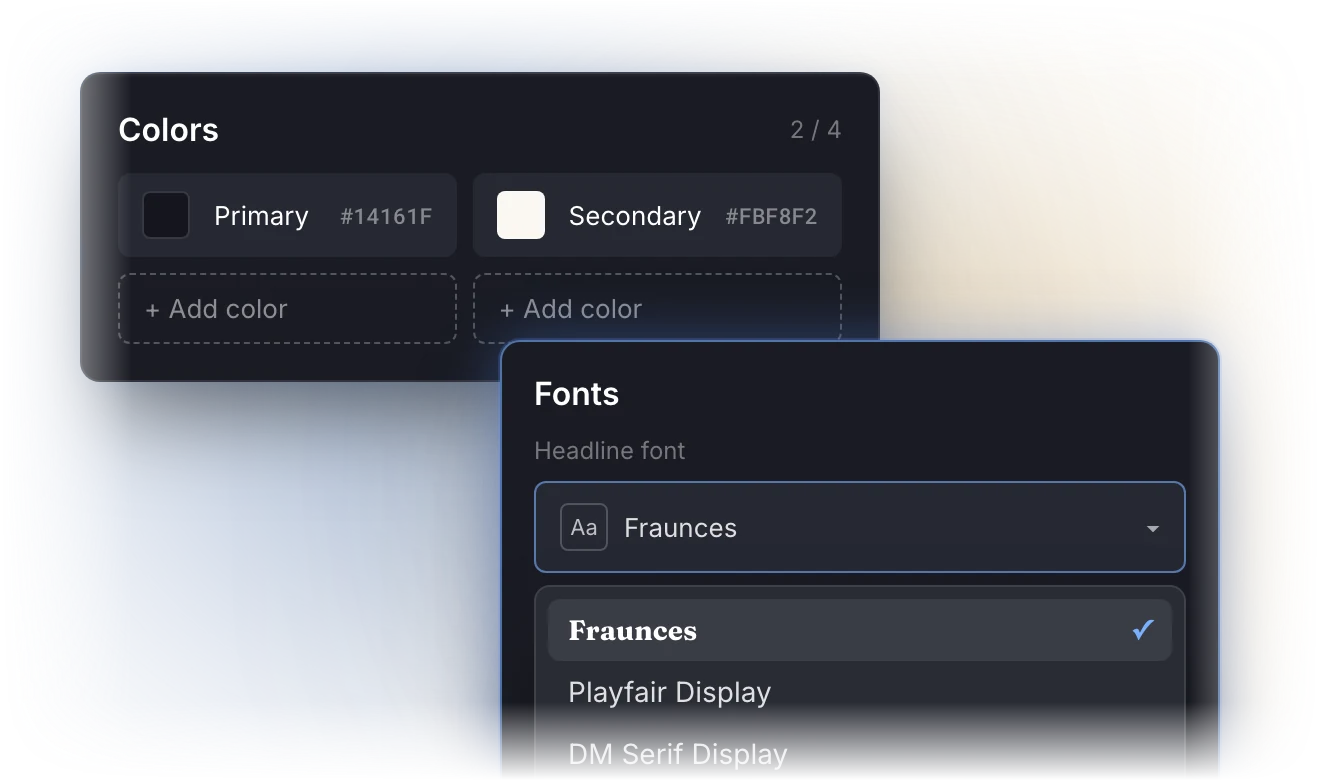
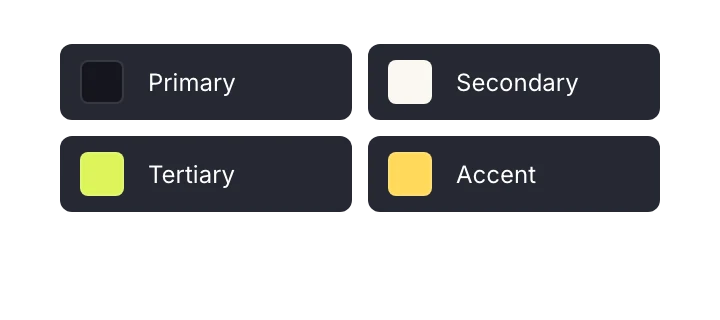
Colors
Define your brand palette to guide colors across landing page elements.
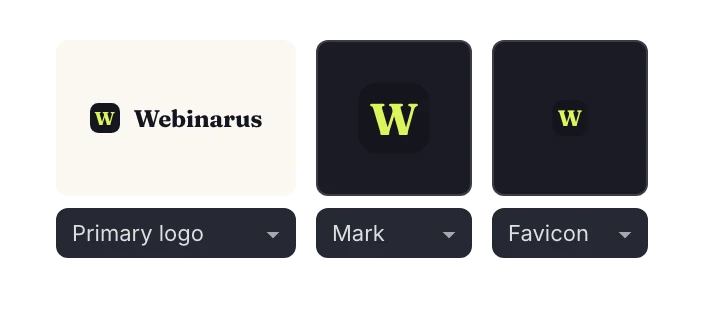
Logos and favicon
Add your brand assets and assign their roles so Lunar knows how to use them.
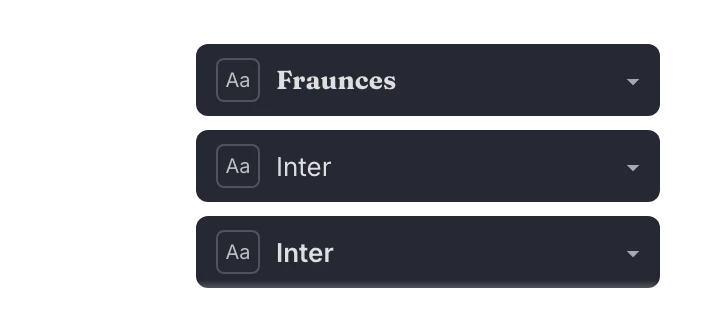
Fonts
Set typefaces for headlines, body text, and labels.
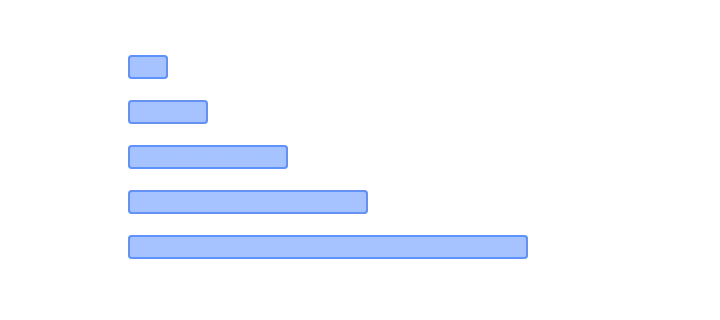
Spacing
Define spacing rules to keep layouts visually consistent.
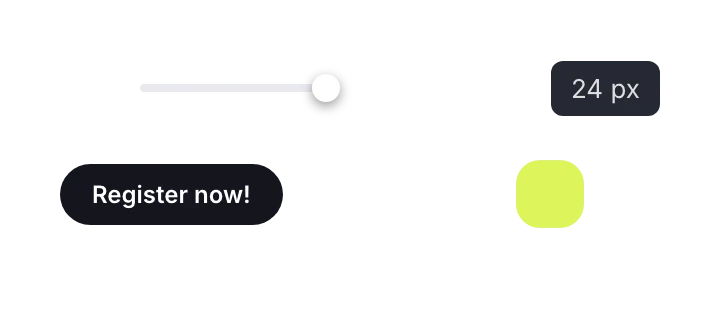
Corner styles
Specify how rounded elements should appear.
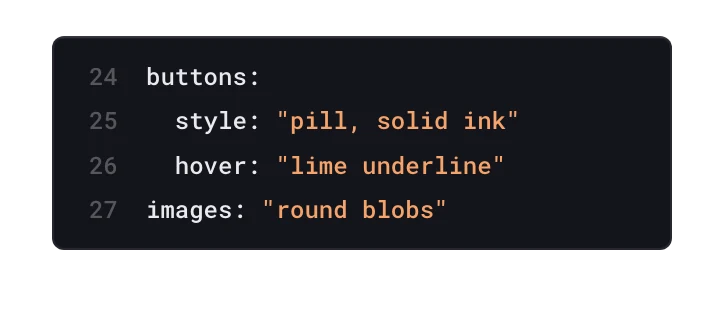
Recurring visual styles
Capture additional design rules in DESIGN.md for use across pages.
Company and contact details
Save your business name, address, phone number, and email.
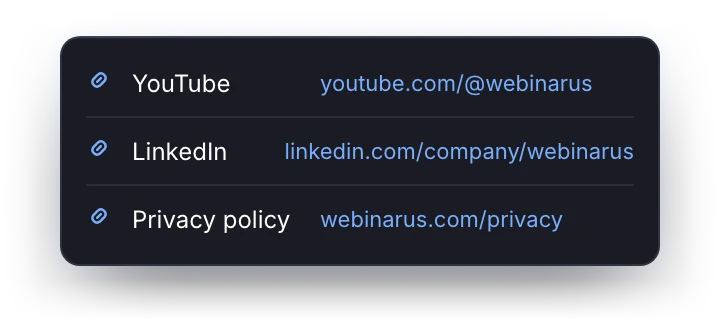
Key links
Store social profiles, privacy policies, terms, and other frequently used URLs.
Apply your brand to new and existing pages
Choose a Brand Kit before generating a new landing page, or apply it to a page already created in Lunar. Reuse the same brand foundation as your campaign needs change.
Your team gets a repeatable way to bring brand context into AI creation, from the initial brief to later updates.

Next


Playbook
Teams
Make your brand part of every prompt
See how Brand Kit helps your team reuse brand standards and create more consistent landing pages with AI.
FAQ about Brand Kit for landing pages
How can I create AI landing pages that match my brand?
Use Brand Kit in Lunar, Landingi’s AI landing page generator, to save your visual guidelines, assets, and company details. Select your kit before generating a page so AI uses your brand’s design rules from the start.
How can large teams maintain brand consistency across landing pages?
A reusable Brand Kit gives contributors the same design reference for each campaign. In Landingi, teams can apply consistent colors, fonts, and visual styles without recreating brand instructions for every page.
Can an AI landing page generator use my website’s colors, fonts, and logo?
Yes. Lunar, Landingi’s AI page generator, can generate visual guidelines and import brand assets and details from your existing website. Review and refine them, then save your Brand Kit for future landing pages.
Can I create separate Brand Kits for different brands or clients?
Yes. In Landingi, you can create separate Brand Kits for different brands, business units, or clients. Choose the relevant kit when generating a new landing page or applying branding to an existing AI page.
How much does Brand Kit cost, and which Landingi plans include it?
Brand Kit is included in Landingi’s Optimize, Scale, and Enterprise plans, with no separate fee for the feature.