


Make (formerly Integromat) is an integration platform made to connect online applications and optimize your workflow. In Landingi, you can integrate your landing pages with Make via webhook.
Get your webhook from Make
1. Log in to your Make account.
2. Click Create a new scenario.

3. To create a connection between apps, click the plus icon (1), search for Landingi (2), and select it (3).

4. Confirm adding Landingi to your connection by selecting the trigger.

5. In a pop-up window, click Add (1), name your webhook (2), and Save.

6. Landingi is added to your connection. Now, copy the webhook address.

Install the webhook in Landingi
1. Log in to your Landingi account and go to the editor of your landing page.
2. Navigate to form Settings.

3. In the Integrations tab, choose Webhook.

4. Paste the webhook address and choose POST as the request method (1).
Connect form fields with values in your integration (2).

5. Save and close. Publish your landing page.
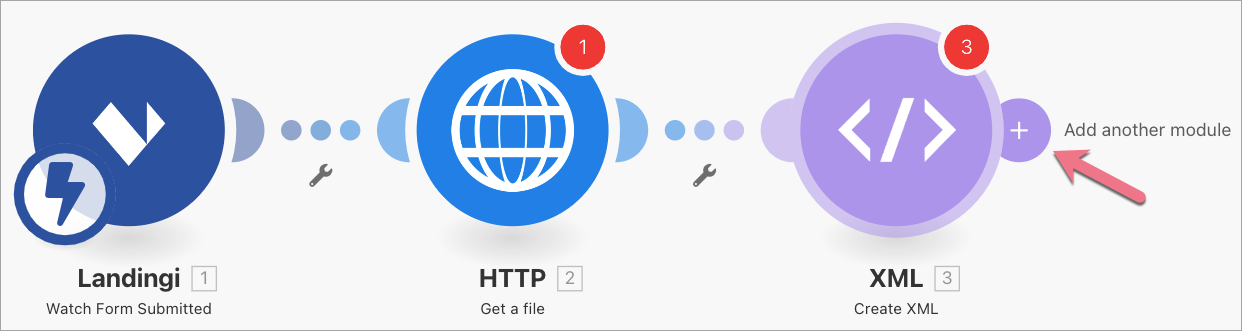
6. If needed, go back to Make and add more modules to your connection (+).
Fill out the form on your landing page to check if lead data is sent to your integration correctly.
Browse all integrations in our Integrations Catalog to see tools you can connect Landingi with.

