


Kissmetrics helps you identify, understand, and boost the metrics that drive your online campaigns. It tracks every single time a user visits your landing page, even prior to their signing up. This allows you to understand where they came from, what they did, and what ultimately led them to become customers.
Get the tracking code from Kissmetrics
1. Log in to your Kissmetrics account.
2. Go to the Settings in the top menu.

3. Scroll down and find JavaScript Tracking Code. Copy the snippet.

Install the snippet in Landingi
1. Log in to your account in the Landingi platform and navigate to the Dashboard of your landing page.

You can also access the JavaScript codes section directly from the editor of your landing page:

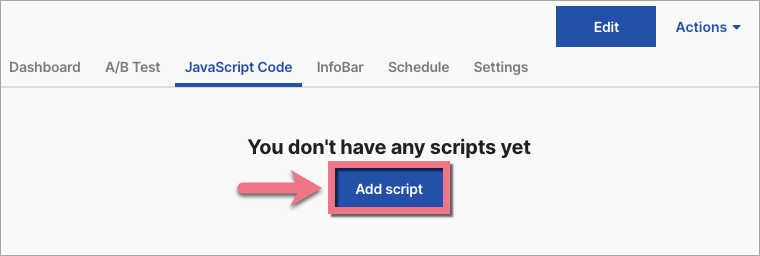
2. Go to the JavaScript Code tab. Click Add script.
3. Type in a name (1). Paste the snippet in the Content (2) field. Choose Head (3) position on Both (4) pages. Click on Add.

4. Once you add the code, go to the editor and publish your landing page again.
Kissmetrics needs about 30 minutes to see the code.
Browse all integrations in our Integrations Catalog to see tools you can connect Landingi with.

