


Matomo is a web analytics software to track online visits to one or more websites and display reports on these visits for analysis. This guide will walk you through integrating Matomo with your landing page.
Get your code from Matomo
1. Log in to your Matomo account.
2. If this is your first visit, you will be asked to add your website. Afterward, you will be provided with a tracking code. Copy the code

3. If you have already added your website, you can find it in the All Websites (1) tab. Click the name of your website (2) to find the tracking code. You can also add a new website (3).

Install the code in Landingi
1. Log in to your Landingi account and go to the Dashboard of your landing page.
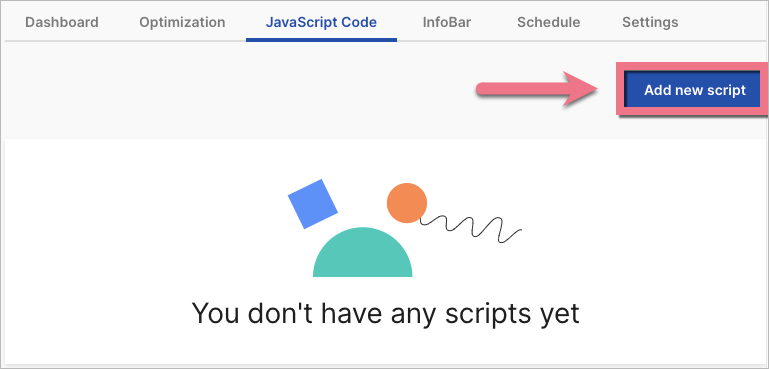
2. Go to the JavaScript Code tab and click Add new script.
3. Name (1) the script and choose the Head (2) position on Both (3) pages. Paste the tracking code in the content field (4). Save by clicking Add.

The code shall work immediately.
To find data in Matomo, go to the Dashboard tab.

Browse all integrations in our Integrations Catalog to see tools you can connect Landingi with.

