


Mixpanel is an analytics system that tracks user interactions with web and mobile applications. Collected data is used to build custom reports and measure user engagement and retention. In this guide, you will learn how to integrate Mixpanel with your landing page in Landingi.
- You can also integrate your landing page with Mixpanel via Zapier to create or update profiles and create events.
Get the code from Mixpanel
1. Log in to your Mixpanel account.
2. In your dashboard, click on Settings in the top right corner, and choose Set Up Mixpanel.

3. In the Implementation Options, select JavaScript.

4. Find the Installation Option 2: HTML section and copy the code.

Make sure the mixpanel.init line has the same number as your settings:

Install Mixpanel code in Landingi
1. Log in to your Landingi account and go to the Dashboard of the landing page.
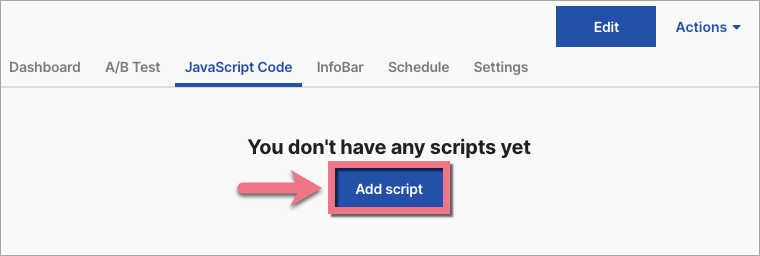
2. Navigate to the JavaScript Code tab and click Add script.
3. Name (1) the script and paste the code in the Content (2) field. Choose the Head (3) position on the Main page (4). Save by clicking Add.

From now on, Mixpanel can track user behavior on your landing page.
Browse all integrations in our Integrations Catalog to see tools you can connect Landingi with.

