


RollWorks will help you reach the performance potential of your advertising campaign. Scale your marketing and engage the right audience. This guide will walk you through integrating your landing page with RollWorks.
Get your pixel from RollWorks
1. Log in to your RollWorks account.
2. Navigate to the Identify tab.
3. Click Ad Audiences.
4. Under the RollWorks Pixel section, click View Pixel.
If you haven’t selected a cookie consent tool yet, choose one and click Save.
5. You’ll then see your unique Pixel code with your unique advertiser ID and pixel ID – copy it.

Install the pixel in Landingi
1. Log in to your Landingi account and navigate to the Dashboard of your landing page.

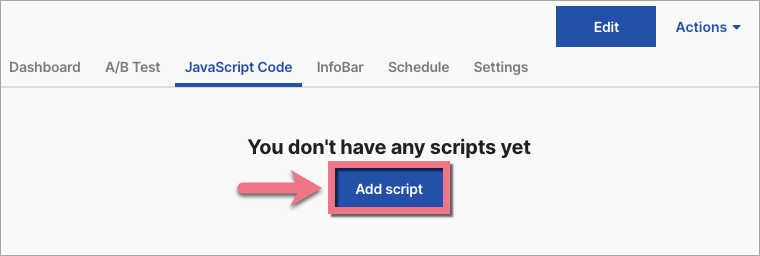
2. Go to the JavaScript Code tab. Click Add script.
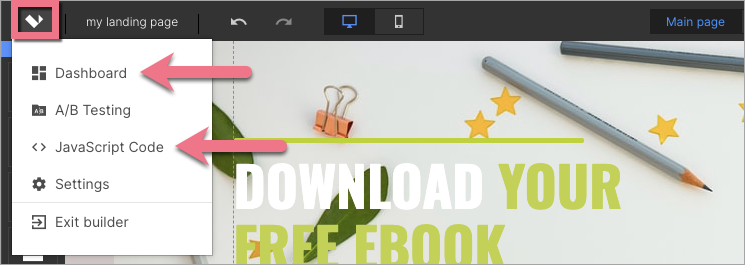
You can also access the JavaScript codes section directly from the editor:
3. Name (1) and paste the pixel in the Content (2) field. Choose the Head (3) position on Both (4) pages. Click on Add.

4. Once you add the code, go to the editor and click on Publish.
From now on, your landing page will be integrated with RollWorks.
Browse all integrations in our Integrations Catalog to see tools you can connect Landingi with.

