


Free AI Sales Email Generator
Write better cold emails with Landingi Free AI Sales Email Generator. Cold emails are still one of the most effective channels for B2B outreach – according to B2BInsider, 83% of B2B decision-makers prefer email as their primary point of contact. AI-generated emails help scale outreach without losing relevance or quality, making them essential for modern sales teams.
With Landingi’s Free AI Sales Email Generator, you can create a customized cold email in seconds, using just a few inputs – no templates, no writing skills, and no sign-up required. Start more conversations with less effort – create sales emails that convert.
Key Takeaways:
- How to generate customized cold emails in seconds using AI
- What to include in your input for higher-quality sales emails
- Step-by-step guide to writing emails that boost replies and conversions
- Best practices for creating effective sales emails
Let’s make sure your next cold email gets opened, read, and replied to.
What is a Sales Email Generator?
A sales email generator is an AI-based tool that creates personalized cold email templates for B2B outreach. Instead of starting from a blank page, users simply enter a few key details – such as company name, recipient name, and offer – and receive a complete, professionally written sales email.
The tool uses natural language processing to structure messages that are relevant, engaging, and aligned with a specific context, ensuring every email feels tailored rather than generic.
How to Use the Sales Email Generator?
To generate a high-converting sales email, follow these steps. This process is fast and simple, requiring no writing experience or marketing expertise.
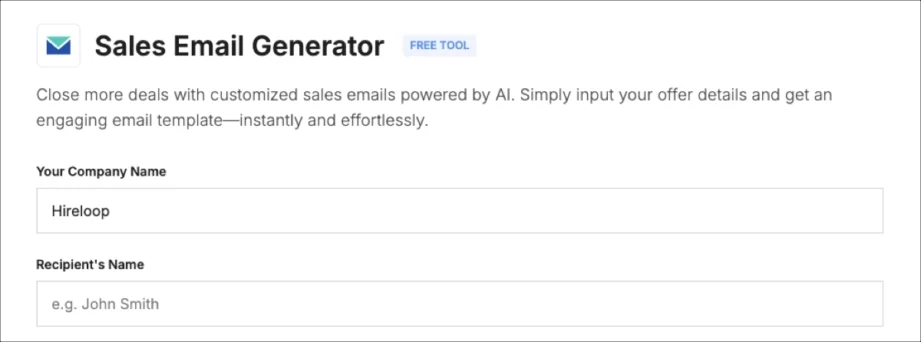
Step 1: Enter your company name
Enter the name of your business. This helps the AI shape the message context and tailor the introduction.
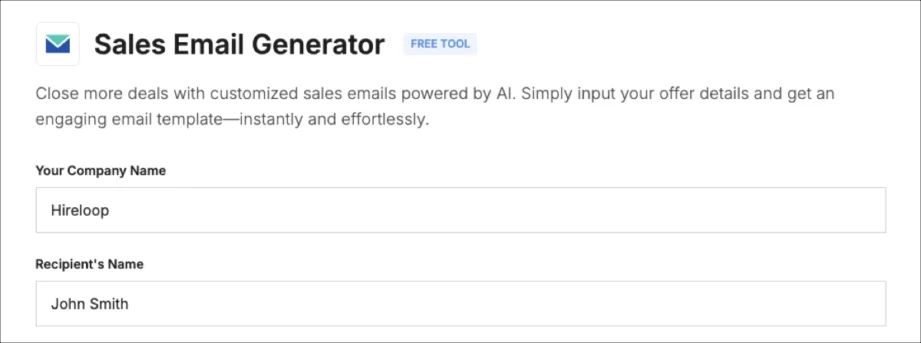
Step 2: Add your recipient’s name
Add your lead’s name, so your email will include a personalized greeting using this field.
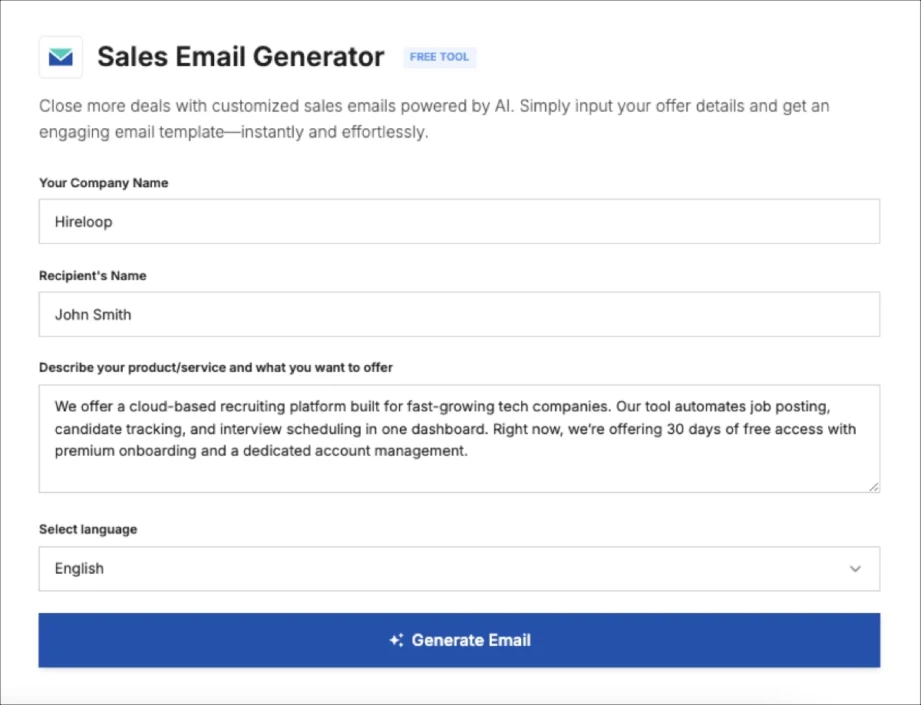
Step 3: Describe your product or offer
Write a one- or two-sentence description of your product or service. Be precise and focus on the core value or problem you solve. Avoid jargon and keep it straightforward. The AI uses this information to craft a relevant pitch, so clarity here directly impacts the quality of your generated email.

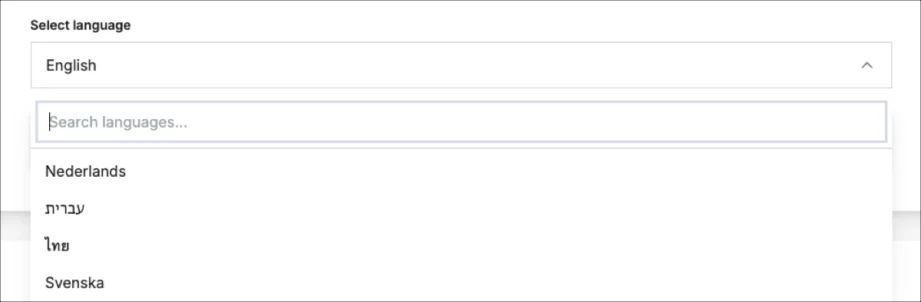
Step 4: Select your preferred language
Choose your email language from the available options. Multi-language support enables seamless global outreach.
Step 5: Click “Generate email”
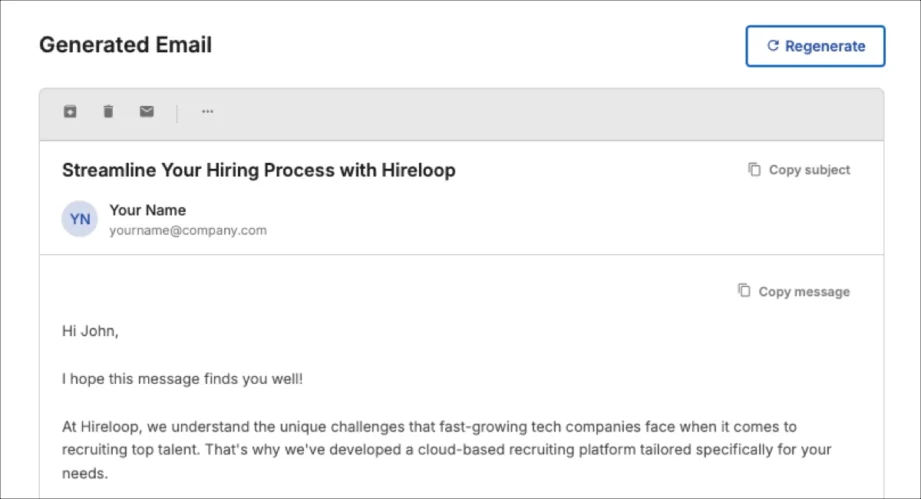
Click the “Generate email” button – your sales email will appear in seconds, fully optimized for tone, clarity, and conversions. Click “Regenerate” to see alternative versions until you find the perfect fit.
Step 6: Copy Subject and Message
When you find an email you like, simply copy the subject line and message with one click. You can paste them directly into your CRM, email platform, or outreach sequence – ready to send or customize further.
Why Should You Use a Sales Email Generator?
A sales email generator helps you write faster and better. Cold outreach requires relevance, clarity, and the right tone – all of which AI can deliver automatically. Whether you’re an SDR, founder, or marketer, this tool saves hours of writing time while improving email quality and performance.
In B2B sales, response rates drop sharply when emails feel generic or run too long. Prospects can spot a template from a mile away, and lengthy messages rarely get read. By generating concise, customized messages, the sales email generator enhances your chances of receiving replies and scheduling meetings. It’s a scalable solution for teams that send numerous cold emails daily, ensuring consistency without compromising personalization.
Best Practices for Writing Sales Emails
To improve your cold emails, follow these proven tactics:
• Make the offer clear
Explain the benefit in one sentence. Avoid vague value propositions or generic features. Your prospect should understand exactly what you’re offering and why it matters within the first few seconds of reading.
• Keep your email under 125 words
Emails with fewer than 125 words generate 50% replies, based on a study by Boomerang and HubSpot. Shorter emails respect your prospect’s time and force you to focus on what truly matters – making every word count.
• Use the recipient’s name and company
Always use the recipient’s name at the start. Personalization signals that you’ve done your research and aren’t sending a mass blast, which immediately increases trust and engagement.
• Use a single call to action
End your email with one clear step. Example: “Reply if you’d like a free trial.” Avoid adding multiple links or requests. When you give prospects too many options, they’re more likely to choose none.
• Send follow-up emails
According to data from SalesHandy, you’re 65% more likely to get a reply when you send a follow-up. Vary the message, but keep the CTA consistent. Persistence shows genuine interest and often catches prospects at a better time when they’re ready to engage.
Close More Deals with Landingi Free AI Sales Email Generator
Great sales emails shouldn’t take an hour to write. Landingi’s Free AI Sales Email Generator does the heavy lifting in five quick steps: company name, recipient name, offer, language, and generate. Done. You’ll have a complete, ready-to-send cold email or follow-up in seconds – without any writer’s block.
Perfect for founders who need to move fast, marketers running multi-touch campaigns, and SDRs hitting ambitious quotas. Every email comes structured for maximum clarity and engineered for engagement. Simply copy, customize if necessary, and send through your preferred email tool.
Ready to scale your outreach without burning hours on every new message? Try the Free AI Sales Email Generator now and start closing more deals with less effort.
Discover more free tools
Free UTM Builder
Build UTM links and track campaign performance accurately
Free QR Code Generator
Generate QR code that sends users to your landing page
Free AI Hook Generator
Grab attention instantly with the first sentence
Free AI CTA Generator
Create high-converting CTA for landing pages
Free AI Sales Email Generator
Write better cold emails to scale outreach
Free AI LinkedIn Headline Generator
Create professional LinkedIn headline in seconds
Free SEO Title Length Checker
Check if your page title is the right length for Google


