


Userlike is a live chat software that lets you connect with your customers directly via website chat and messaging apps. This guide will walk you through integrating the Userlike chat with your landing page in Landingi.
Get your code from Userlike
1. Log in to your Userlike account.
2. In the left-side menu, unfold the Channels tab.

3. Go to Website widgets (1) and select your widget (2). If you do not have any widgets yet, add widget (3).

4. In the Install tab, select JavaScript Widget code.
You can adjust your widget in the Appearance and Wording tabs.

5. Copy the code.

Install the code in Landingi
1. Log in to your Landingi account and navigate to the Dashboard of your landing page.
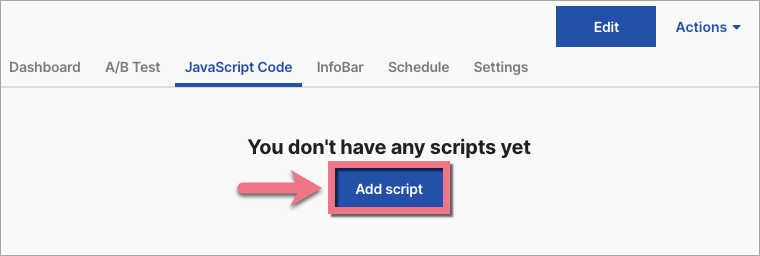
2. In the JavaScript Code tab, click Add script.
3. Name (1) your script, paste the Userlike code in the Content (2) field, and select Body bottom (3) position. Select Page (4) where you want the chat window to pop up. Save by clicking Add.

See if the Userlike chat widget displays correctly on your landing page.

Browse all integration in our Integrations Catalog to see tools you can connect with in Landingi.

