



Manage landing pages
from the AI workflow you already use
Orbit is Landingi’s MCP server. It connects your preferred LLM with your Landingi workspace,
so your team can create, update, publish, analyze, and manage landing pages using natural language.
AI workflow automation for marketing
Explore use cases for connecting AI, campaign context, and landing page execution.
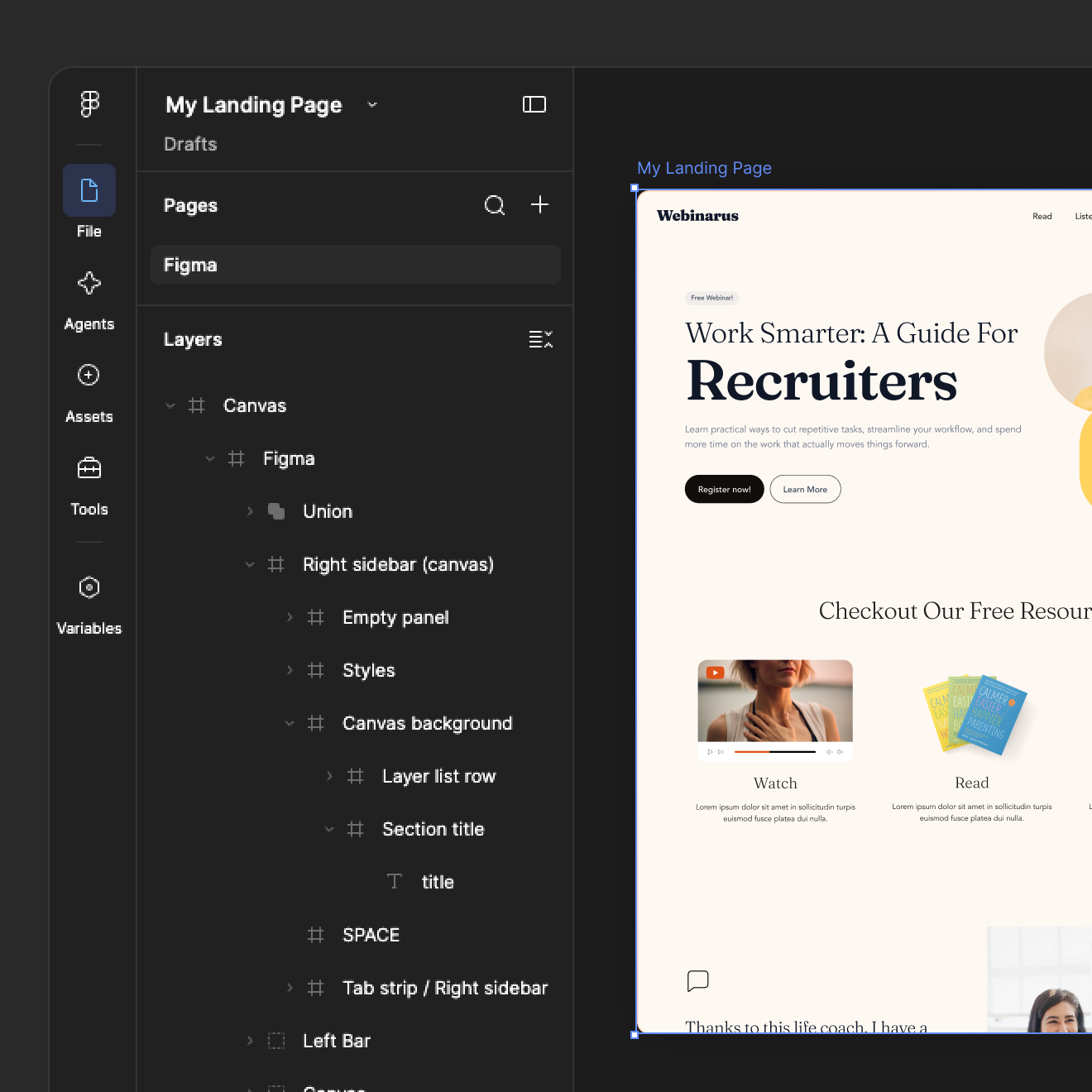
Turn a Figma design into a landing page
Use Figma MCP and Orbit in the same AI conversation. Ask AI to use the selected design as context and send it to Lunar to generate the page in Landingi.
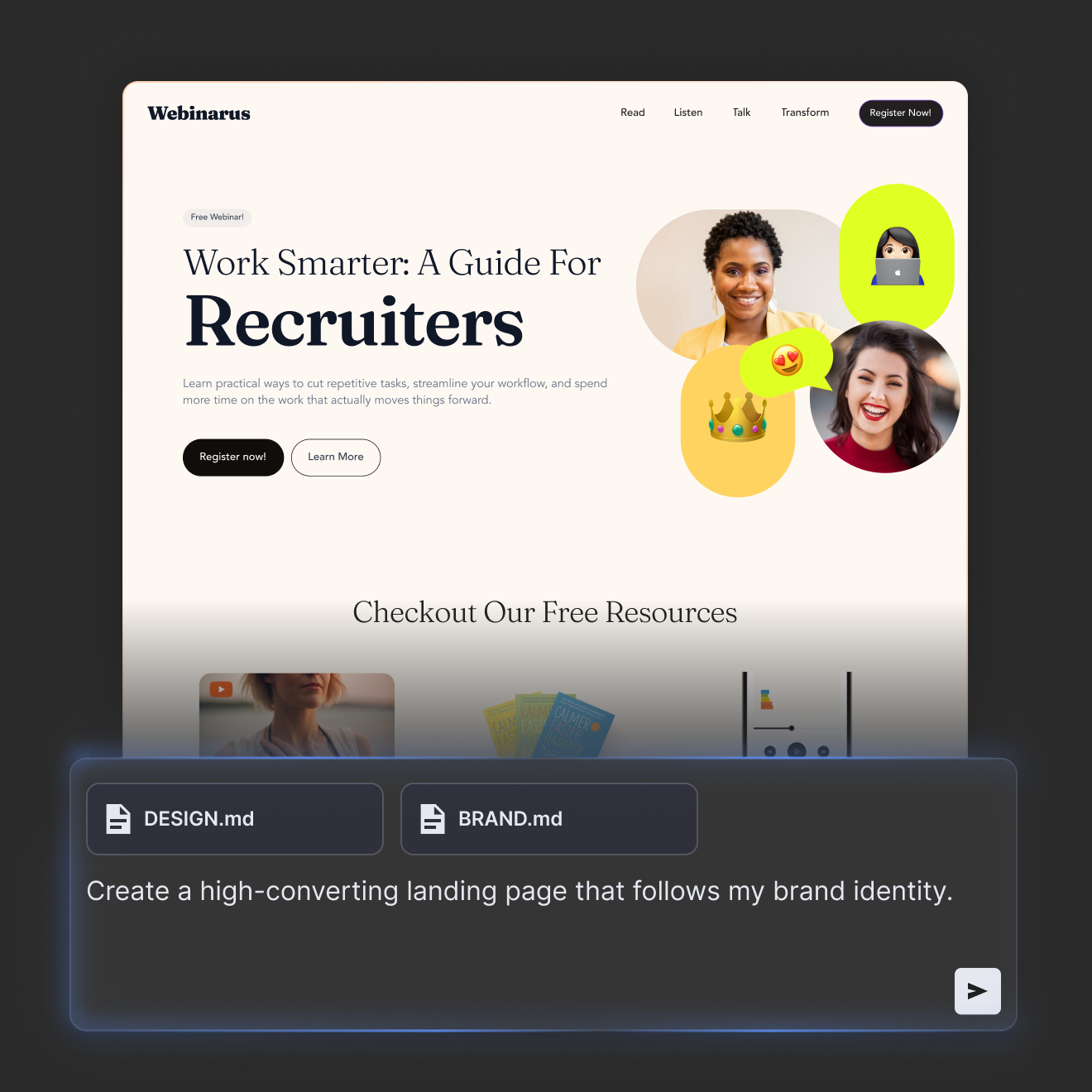
Build from your brand system
Add DESIGN.md or share brand instructions in the conversation. Orbit passes that context to Lunar, AI page generator, so the generated page reflects your visual rules.
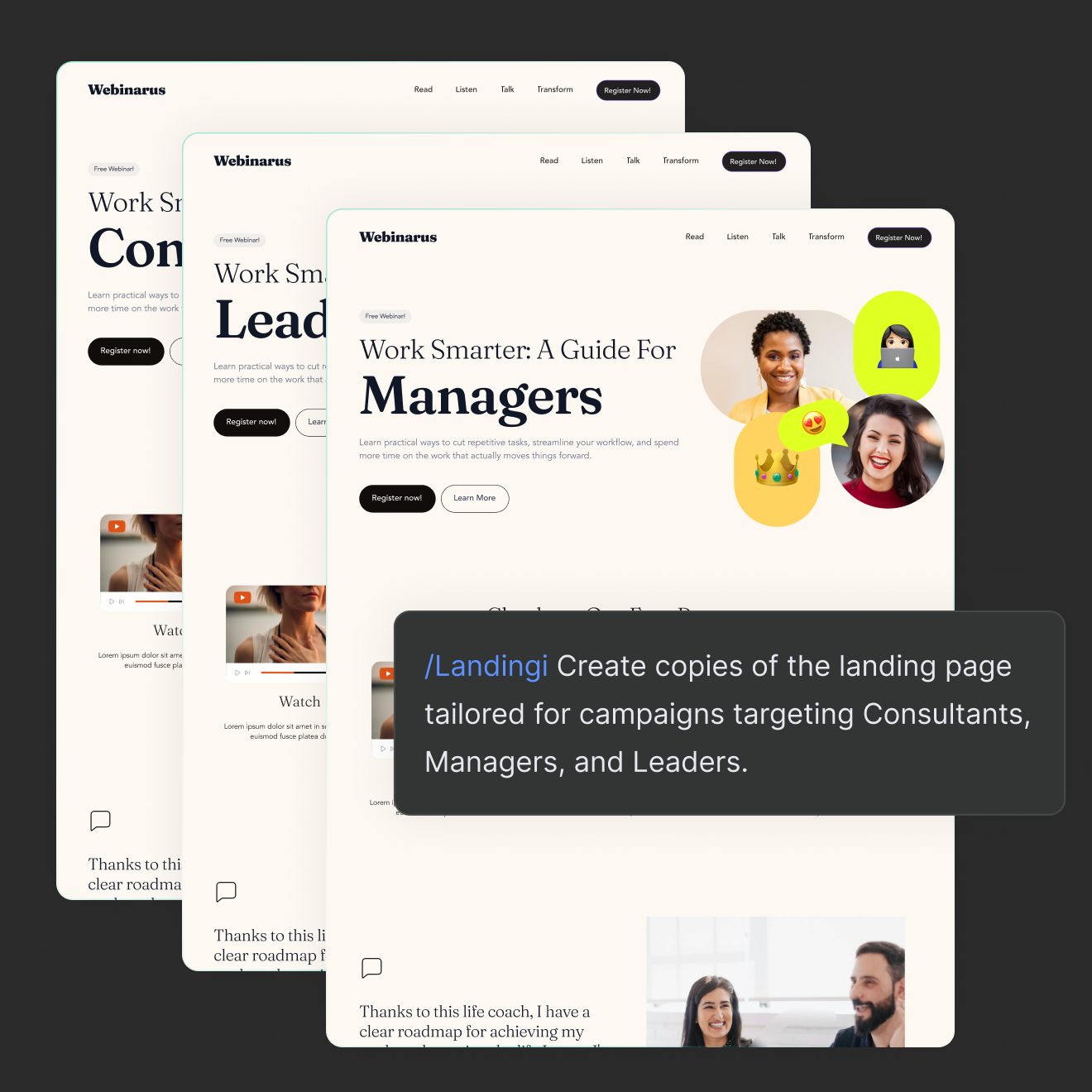
Scale campaign variants
Ask AI to duplicate a campaign page, adapt the content for another market, update key elements, and prepare the next version without repeating the setup manually.
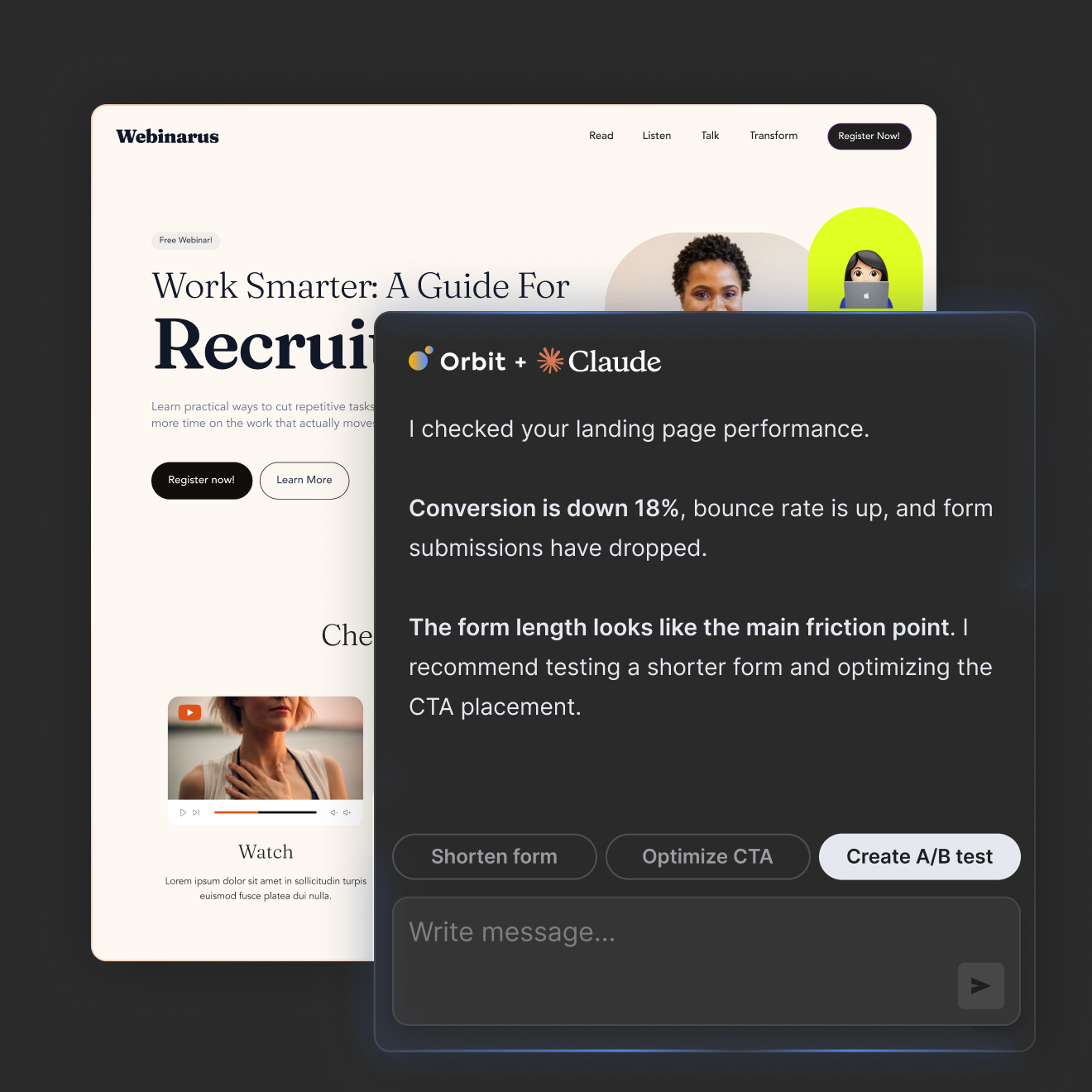
Move from performance data to action
Ask for landing page performance, identify what needs attention, and move directly into optimization or testing in the same workflow.
Built on the landing page infrastructure used by marketing teams worldwide


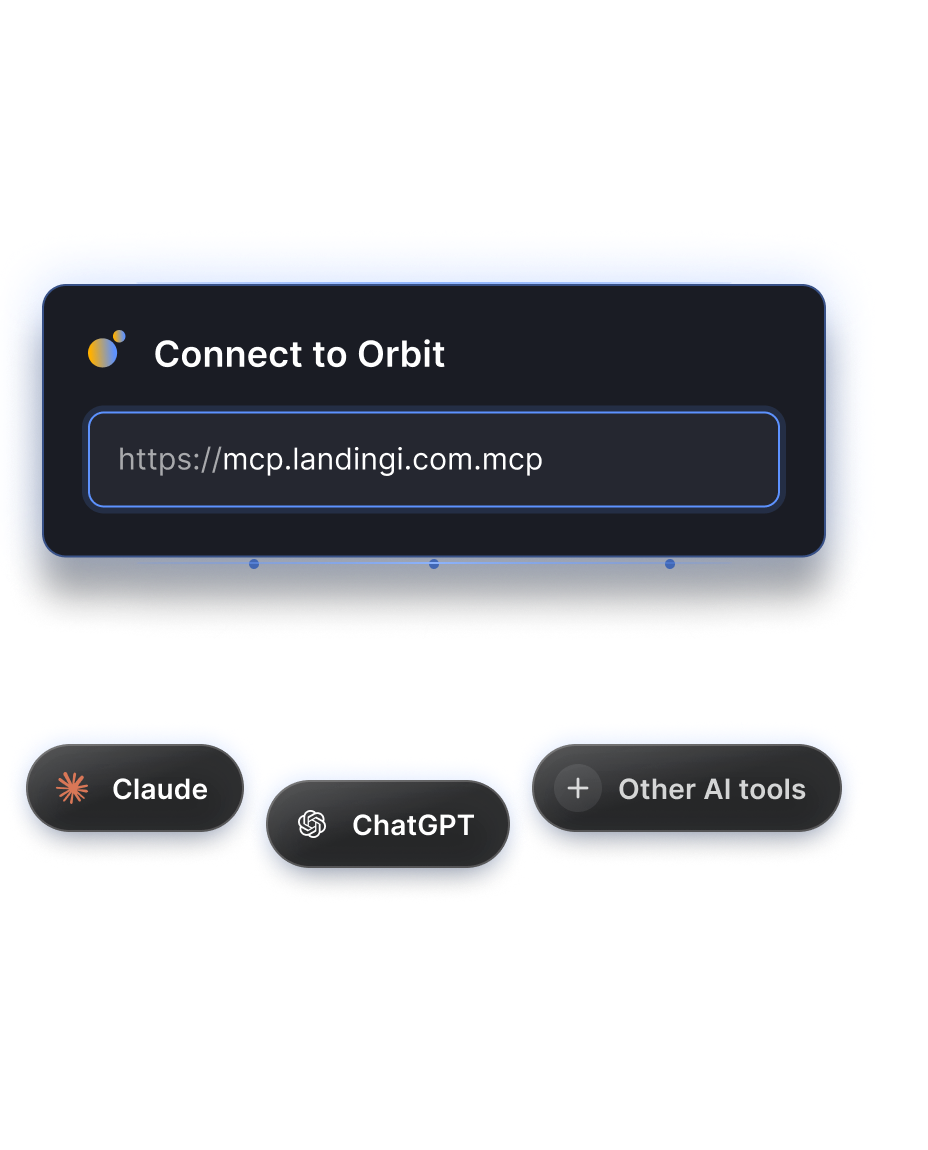
Use Landingi API or server URL to connect to ChatGPT, Claude, or other AI tools and automate your workflow
Add Orbit as a connector in your MCP-compatible AI tool using the Landingi MCP server URL. Authorize the connection through OAuth or the Landingi API token, depending on your AI tool’s settings.
Choose the Landingi account or subaccount AI can work with. Once connected, you can create, edit, publish, and check landing page performance directly in the conversation.
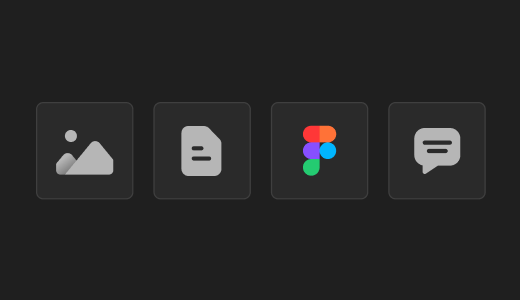
1. Bring the context
Share a brief, Figma design, design.md file, existing page, or campaign instructions in a chat so AI has the context it needs to work from.
2. Give the instruction
Describe what you want to create, change, analyze, or publish. Use natural language to define the task and expected outcome.
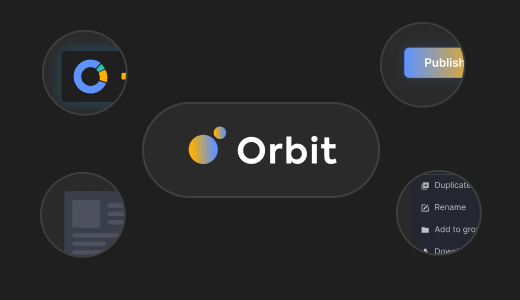
3. Orbit connects the workflow
Orbit passes the right context and actions to Landingi and Lunar, where pages are generated, duplicated, updated, optimized, or published.
4. Continue from the result
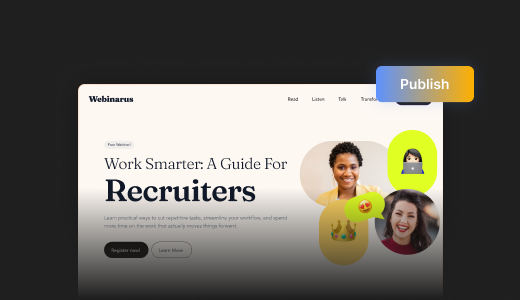
Review the result, make further adjustments, publish, test, or scale the campaign without restarting the workflow or repeating the context.
Generate landing pages
Create landing pages based on prompts, briefs, and campaign materials.
Edit existing pages
Update the content, layout, and elements of your existing landing pages.
Publish landing pages
Publish ready-to-launch pages and unpublish them using AI commands.
Manage page versions
Review version history and restore previous versions of Lunar landing pages.
Duplicate campaign pages
Create copies of existing landing pages for new campaigns.
Assign domains and URLs
Assign domains and URL paths to individual landing pages.
Filter and organize pages
Search, filter, and rename landing pages in your workspace.
Manage image galleries
Upload images to your gallery and use them on your landing pages.
Work across multiple accounts
View available accounts and perform tasks in a selected account or subaccount.
Apply brand guidelines
Use brand books, design.md files, and design assets when generating landing pages.
Validate HTML
Validate your page’s HTML before importing it to ensure it meets Landingi’s requirements.
Create forms and CTAs
Generate landing pages with forms, buttons, and modals that meet the platform’s requirements.
Orbit connects the Landingi system to your AI workflow
Orbit makes Landingi, Lunar, and Solis accessible from the AI environment your team already uses. You can generate pages, analyze performance, and manage landing page work without opening Landingi.

Solis
Solis is an AI agent that analyzes behavioral data, understands landing page context, and delivers insights, alerts and optimization recommendations.

Lunar
Lunar is 100% AI-native landing page generator. It generates complete and editable landing pages from prompts, ready to be published.

Orbit
Orbit is an MCP server that connects Landingi’s AI tools directly to your preferred LLM, so you never have to leave your current workflow.
AI marketing automation for teams, agencies, and enterprises
Give AI agents for marketing controlled access to the landing page tasks your team handles every day.
AI access should stay under your control
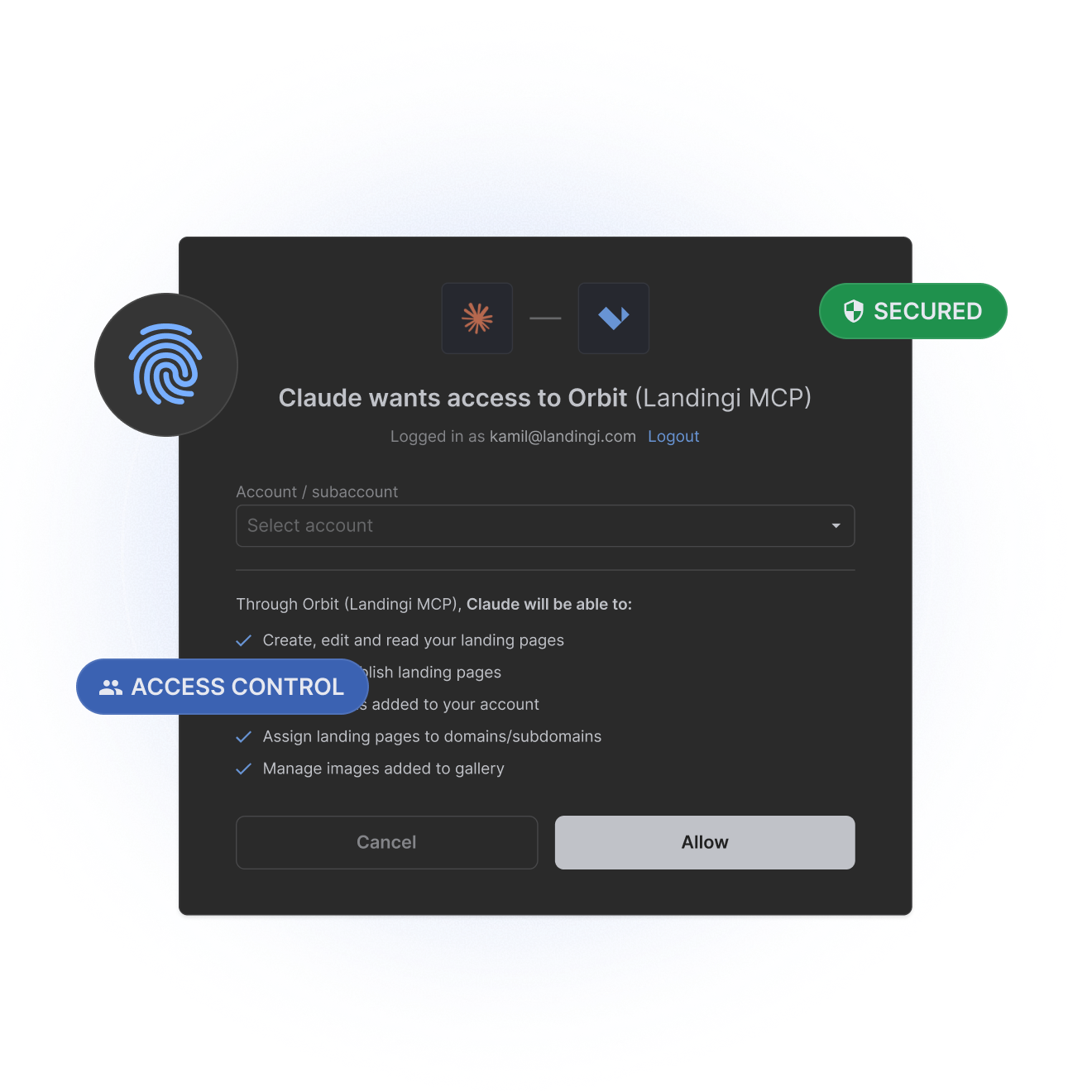
Orbit connects AI workflows with Landingi while preserving the controls your team depends on. It does not give AI clients unrestricted access to your Landingi account.

Orbit operates within the connected Landingi account and the capabilities exposed by the MCP server. Even if a user has broader permissions in Landingi, AI agents can only perform actions available through Orbit.

Authorize the connection through OAuth or an API token. You can revoke access at any time in your account settings, preventing the AI client from making further requests to Landingi through Orbit.

Orbit cannot access leads or form submissions, including personal data collected through landing page forms. AI agents using Orbit cannot retrieve, export, create, or modify lead records.

Orbit only shares information needed for permitted actions, excluding leads and form submissions. Your AI provider may process prompts and responses according to its terms, privacy policy, and workspace settings.

Keep API tokens secure and avoid sharing credentials or unnecessary confidential information in prompts. Review proposed changes before publishing and revoke access when the connection is no longer needed.

Keep your AI marketing workflow
and add Landingi to it
Bring landing page execution into your existing AI workflow with Orbit.
FAQ about MCP server for landing pages
What is Landingi MCP Orbit?
Landingi MCP Orbit is an MCP server that connects AI environments with your Landingi workspace. It lets you create, update, publish, analyze, and manage landing pages through natural-language instructions instead of moving between separate tools.
What is an MCP server?
An MCP server connects an AI system with external tools, data, and actions through the Model Context Protocol. In Landingi, Orbit gives AI access to landing page workflows so requested actions can be executed directly in the platform.
How do I connect my LLM to Landingi?
Add Orbit as a connector in an MCP-compatible AI tool, such as ChatGPT or Claude, using the Landingi MCP server URL. Authorize access through OAuth or a Landingi API token, then select your account or subaccount. Once connected, use natural-language instructions to create, edit, publish, manage, and check landing page performance directly in chat.
How does an MCP server work with Claude, ChatGPT, Copilot, or Gemini?
An MCP server gives an AI environment access to external tools, data, and actions through the Model Context Protocol. In practice, this means an AI environment can use connected platforms as part of the conversation instead of relying only on the context typed into the chat. Support depends on whether the AI environment supports MCP and how the specific server is connected.
Can I create landing pages from Claude?
Yes. You can describe the campaign in Claude, provide supporting context, and ask Orbit to create the page in Landingi. Orbit passes the instructions to Lunar, Landingi’s AI landing page generator, which generates the page inside the platform.
Can Orbit use a Figma design?
Yes. By using Figma MCP and Orbit in the same AI workflow, you can ask the AI to use a Figma design as context for a new landing page. Orbit passes that context to Lunar, which uses it when generating the page in Landingi.
Can Orbit use DESIGN.md?
Yes. You can provide a DESIGN.md file or brand instructions in the AI conversation. Orbit, Landingi MCP server, passes this context to Lunar so it can take your typography, colors, spacing, components, and other design rules into account during generation.
What can Orbit do in Landingi?
In Landingi, Orbit can support landing page creation, editing, duplication, publishing, domain management, analytics, forms and leads, assets, and workflows involving Lunar and Solis. This lets teams manage more of their landing page operations through one AI workflow.
Do I need technical knowledge to use Orbit?
No coding knowledge is required for everyday use. You interact with Orbit through natural-language instructions, while the MCP connection handles communication between the AI environment and Landingi.
Is Orbit available on every Landingi plan?
Yes. Orbit, the MCP server, is available to Landingi customers across all plans, so teams can add AI-assisted workflows without moving to a separate product or platform.
Where can I find documentation for the Landingi MCP server?
Documentation for the Orbit Landingi MCP server is available at:https://mcp.landingi.com/docs. Also, check a tutorial on how to use the Landingi MCP server.
How does Landingi MCP server handle permissions and data access?
Orbit, Landingi MCP server, limits AI access to the capabilities exposed by its MCP server, without granting unrestricted access to your Landingi account. Connections are authorized through OAuth or an API token and can be revoked at any time. Orbit cannot access leads or form submissions, and data shared with your AI provider is subject to its privacy policy and workspace settings.