


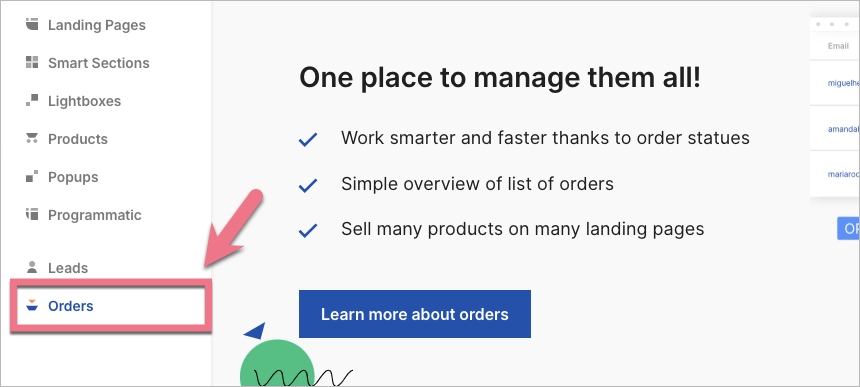
The users visiting your landing page can pay for products and services via the buy button (PayPal, Stripe, or PayU). Such purchases will be listed in the Orders tab. This tab does not show payments finalized via other, compatible integrations.
Once the first customer clicks on the buy button, you’ll see the order on the list.
Each order has two labels: the top and the bottom ones.
The top label
You can set the status of the top label yourself. Each new order is labeled as OPEN. The remaining statuses are COMPLETED and CANCELED.

The bottom label
This status is automatically taken from your PayPal, Stripe, or PayU account, and you can’t edit it. The statues are:
- OPEN (the user has clicked on the button and initialized the transaction)
- COMPLETED (the transaction has been successfully completed)
- CANCELED (the transaction wasn’t completed; either the user has canceled it, or there was an issue with the payment itself)

If you want to launch your product or services, read how to start selling on a landing page.

