
Enterprise marketing and digital operations teams need AI landing page builders that go beyond drag-and-drop templates. You need tools with governance controls, CRM integrations, and testing capabilities that match the scale of your campaigns.
Landingi gives you an AI landing page platform built for high-volume operations, combining page generation, behavioral analytics, and programmatic automation in one workflow. This article compares six AI landing page builders through the lens of integrations, compliance, and A/B testing depth so you can make a confident decision for your team.
Quick sum-up: 6 best AI landing page builders for enterprise teams:
- Landingi: The best AI landing page platform for enterprise-scale campaign operations
- Unbounce: AI copy generation with built-in variant testing
- Leadpages: AI page generation with built-in conversion optimization
- Instapage: Collaboration-focused page creation with heatmap analytics
- Webflow: Design-first visual builder with a content management system
- Framer: Motion and interaction-focused page creation for design teams

How We Chose The Best AI Landing Page Builders For Enterprise Teams
Picking the right AI landing page platform for an enterprise team means looking beyond surface-level page editors. We evaluated each tool against criteria that affect your daily campaign workflow and long-term scalability.
- AI page generation: Can the tool generate a full, editable landing page from a brief, or does it only assist with individual text blocks? Full-page AI generation reduces the time required to create and launch each campaign.
- A/B and multivariate testing: Does the platform let you run controlled experiments across multiple page variants at once? Native A/B and multivariate experimentation supports continuous landing page conversion optimization.
- Integration depth: How well does the builder connect with your CRM, analytics, email marketing, and payment tools? Disconnected tools mean manual data transfers and lost leads.
- Brand governance and compliance: Does the platform combine access controls, audit logs, and SSO with reusable components that keep pages consistent? Check how it supports your brand standards and data protection requirements.
- Programmatic scalability: Can you generate dozens or hundreds of personalized pages from one master layout and a data source? Programmatic scalability is critical for campaigns targeting multiple locations, audience segments, products, or offers.
- Behavioral analytics: Does the platform track and analyze micro-conversions like clicks, scroll depth, and form interactions natively, or do you need a separate analytics tool?
6 Best AI Landing Page Builders For Enterprises
The six best AI landing page builders for enterprises in this comparison are Landingi, Unbounce, Leadpages, Instapage, Webflow, and Framer. Explore their strengths and limitations across page creation, testing, integrations, and team controls to find the right fit for your campaigns.
1. Landingi: best overall AI landing page builder for enterprise teams
Landingi is an AI landing page platform that covers the full campaign lifecycle, from generating a page with Lunar to measuring micro-conversions with EventTracker and analyzing performance with Solis AI. Your team can go from a campaign brief to a published, trackable page without switching between separate creation, hosting, testing, and analytics tools.
What sets Landingi apart for enterprise use is its combination of AI generation, Programmatic Landing Pages, and governance features like audit logs, user roles, and 2FA. You can generate hundreds of targeted pages from one master layout and structured data, then test variants with A/B/X experiments and analyze results using Solis insights.
Landingi connects to more than 170 tools across CRM, email, analytics, and payment categories, so your leads flow directly into your existing marketing stack. Automatic translations across 35+ languages let you scale campaigns globally from a single workspace.

Landingi benefits
- Lunar AI page generation: Turn a campaign brief into a complete, editable landing page. Lunar – Landingi’s AI page generator – coordinates five AI models across research, copy, structure, and quality control tasks, so you get a launch-ready result instead of raw text output.
- A/B/X testing with Solis insights: Run controlled experiments across multiple variants and use Solis to interpret performance data, identify issues, and prioritize your next optimization steps.
- Programmatic Landing Pages: Feed one template with CSV or API data to generate hundreds of personalized pages at once. Each page carries unique content matched to a specific audience segment, product, or location.
- Smart Sections: Edit a shared block once, and update it across all pages that use it. Shared Smart Sections keep headers, CTAs, and footers consistent across multiple landing pages and campaigns.
- EventTracker behavioral monitoring: Track clicks, scroll depth, form interactions, and lightbox engagement natively. You get micro-conversion data without adding third-party scripts.
- Enterprise governance: Audit logs, user permissions, 2FA, SSO, domain whitelisting, and GDPR-ready processes help your compliance and security teams oversee landing page operations.
Landingi pros and cons
Pros:
- Full landing page lifecycle in one platform, from AI generation to optimization
- Programmatic page creation supports high-volume campaigns with multiple audiences, products, and offer variations
- 170+ integrations connect directly to CRM, email, analytics, and payment tools
Cons:
- Mobile layout adjustments sometimes require manual refinement after initial page creation
- The range of platform capabilities means new users need time to explore all available tools
- Programmatic Landing Pages and advanced analytics are available on higher-tier plans
Your next landing page starts with a prompt! Give Lunar your campaign idea and turn it into a launch-ready page.
2. Unbounce: AI-assisted copy generation with variant testing
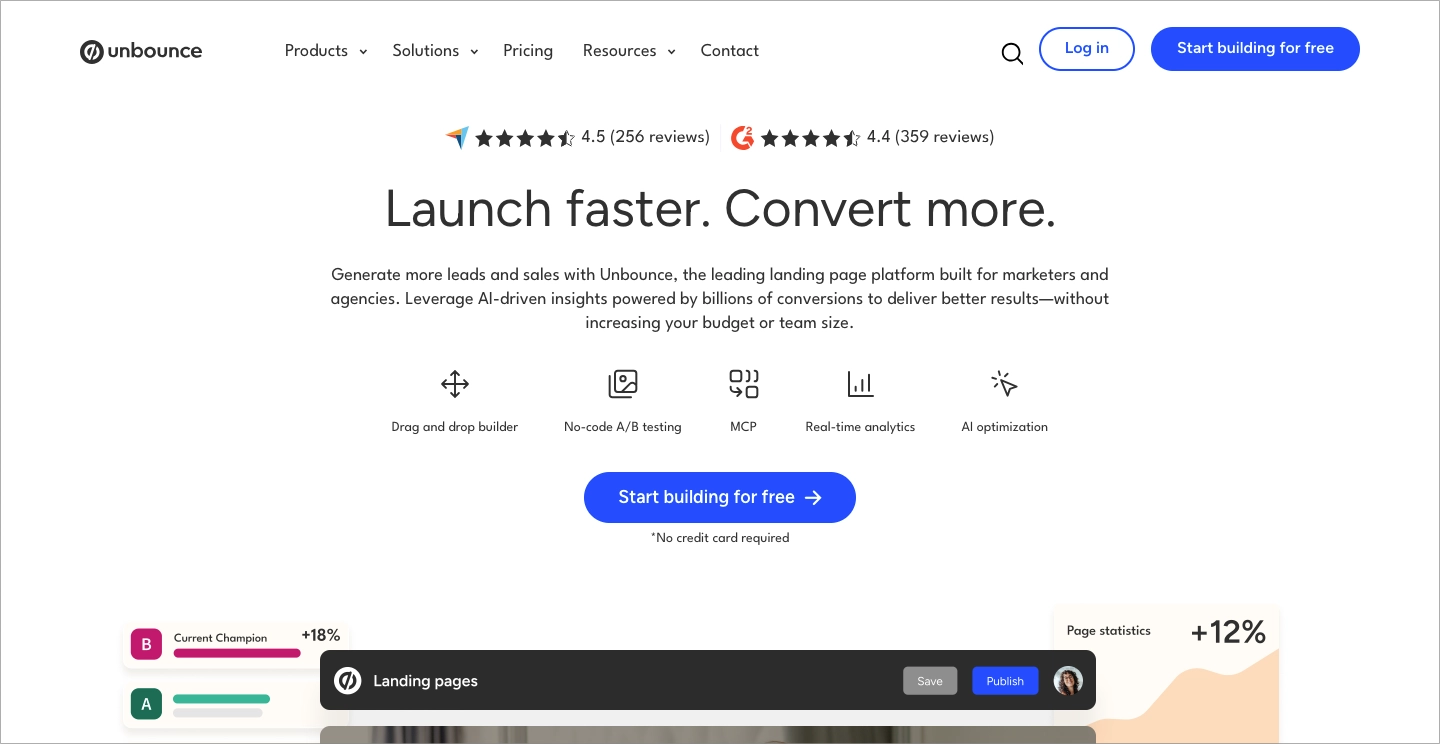
Unbounce includes an AI copywriting assistant that generates headline and body text suggestions for your landing pages. The platform also offers A/B testing so you can compare page variants against each other and identify which messaging resonates with your audience.
Unbounce has a drag-and-drop editor with a library of industry-specific landing page templates. It connects to common marketing tools, including CRM and email platforms, through native and Zapier-based integrations.
Unbounce benefits
- AI copy suggestions: The platform generates text variations for headlines and page sections, reducing the time you spend drafting copy from scratch.
- A/B testing: You can split traffic between page variants and track conversion differences to inform optimization decisions.
- Template library: Pre-built page layouts organized by industry and campaign type give you a starting point for new pages.
Unbounce pros and cons
Pros:
- AI-generated text options help speed up the copywriting phase
- Built-in A/B testing with traffic splitting
- Drag-and-drop editor does not require coding knowledge
Cons:
- AI assistance is limited to copy generation; it does not produce full page layouts
- No native programmatic page generation from structured data sources
- Audit log and user permission controls are not available on all plan tiers
3. Leadpages: page generation with built-in conversion optimization
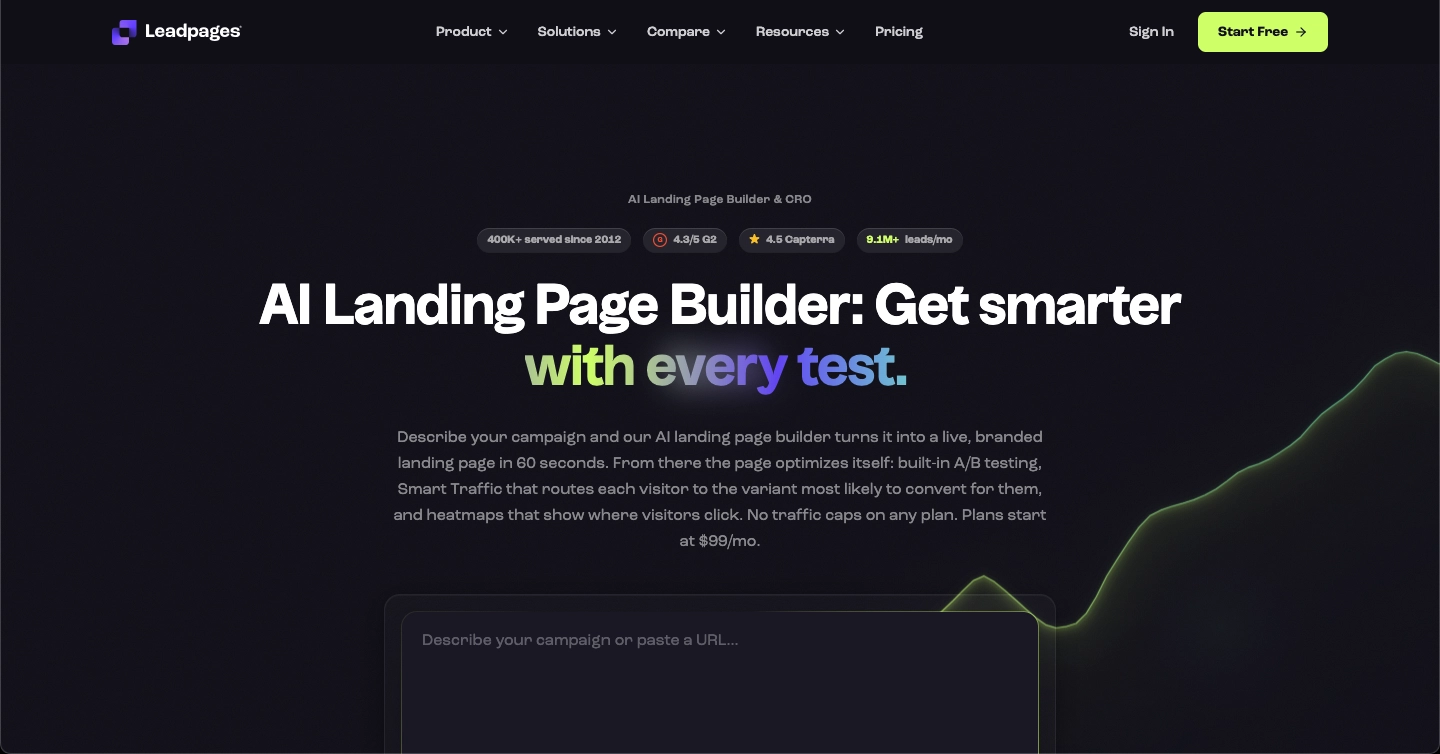
Leadpages combines AI landing page generation with a visual editor and native conversion testing. It generates a complete page from a campaign description, with editable content and layout that can be refined before publishing.
For enterprise teams, Leadpages offers a workflow for page creation, experimentation, and lead capture. A/B testing is included across Leadpages plans, while heatmaps and AI traffic routing require Optimize or Scale. The Scale plan adds workspaces, audit logs, and dedicated customer support.
Leadpages benefits
- AI page generation: Complete landing pages generated from campaign descriptions.
- A/B testing: Comparison of up to four page variants, with configurable traffic splits and conversion measurement against a selected goal.
- Heatmaps and AI traffic routing: Click and scroll analysis, plus automated routing to relevant page variants on Optimize and Scale plans.
Leadpages pros and cons
Pros:
- Full AI page generation with visual editing
- Built-in testing supports up to four variants per experiment
- Unlimited traffic across Leadpages plans
Cons:
- Heatmaps and AI traffic routing require Optimize or Scale
- Workspaces and audit logs are restricted to Scale
- Active integration connections and team seats have plan-specific limits

4. Instapage: collaboration-focused page creation with heatmap data
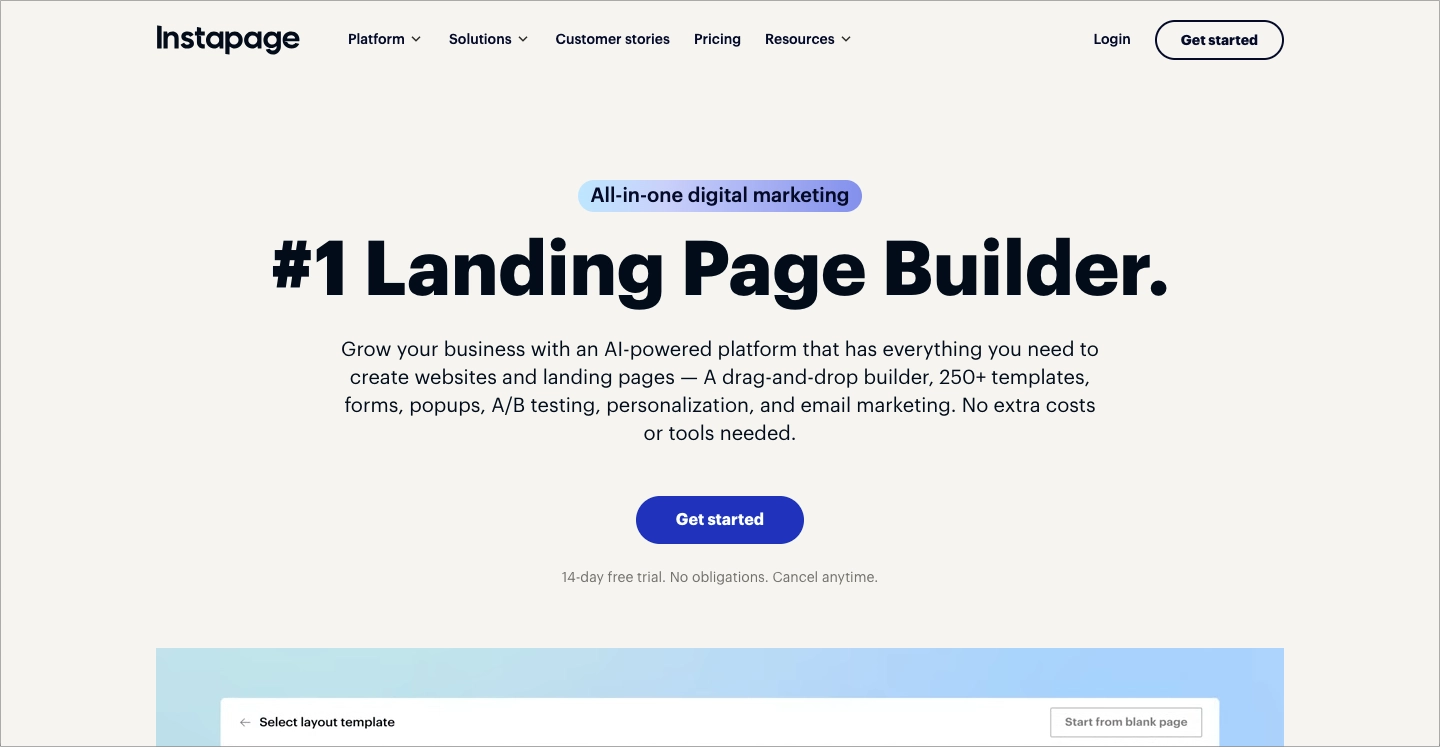
Instapage includes real-time collaboration tools that let multiple team members edit and comment on a landing page simultaneously. The platform also offers heatmap tracking to show where visitors click and scroll on your published pages.
A/B testing is available for comparing page variants. Instapage connects to major advertising platforms and includes tools focused on post-click optimization for paid campaign traffic.
Instapage benefits
- Real-time collaboration: Team members can work on the same page at the same time, with inline comments and version history.
- Heatmap analytics: Visual maps show click density and scroll depth, helping you identify which page sections attract or lose visitor attention.
- Ad platform connections: Integrations with Google Ads and Meta help you match landing page messaging to ad campaigns.
Instapage pros and cons
Pros:
- Multi-user collaboration with real-time editing and commenting
- Built-in heatmaps for visual engagement analysis
- A/B testing included in the platform
Cons:
- No programmatic page generation from structured data
- The number of native integrations is smaller than some alternatives
- Enterprise governance features like audit logs are limited to higher plans
5. Webflow: design-first visual builder with a CMS
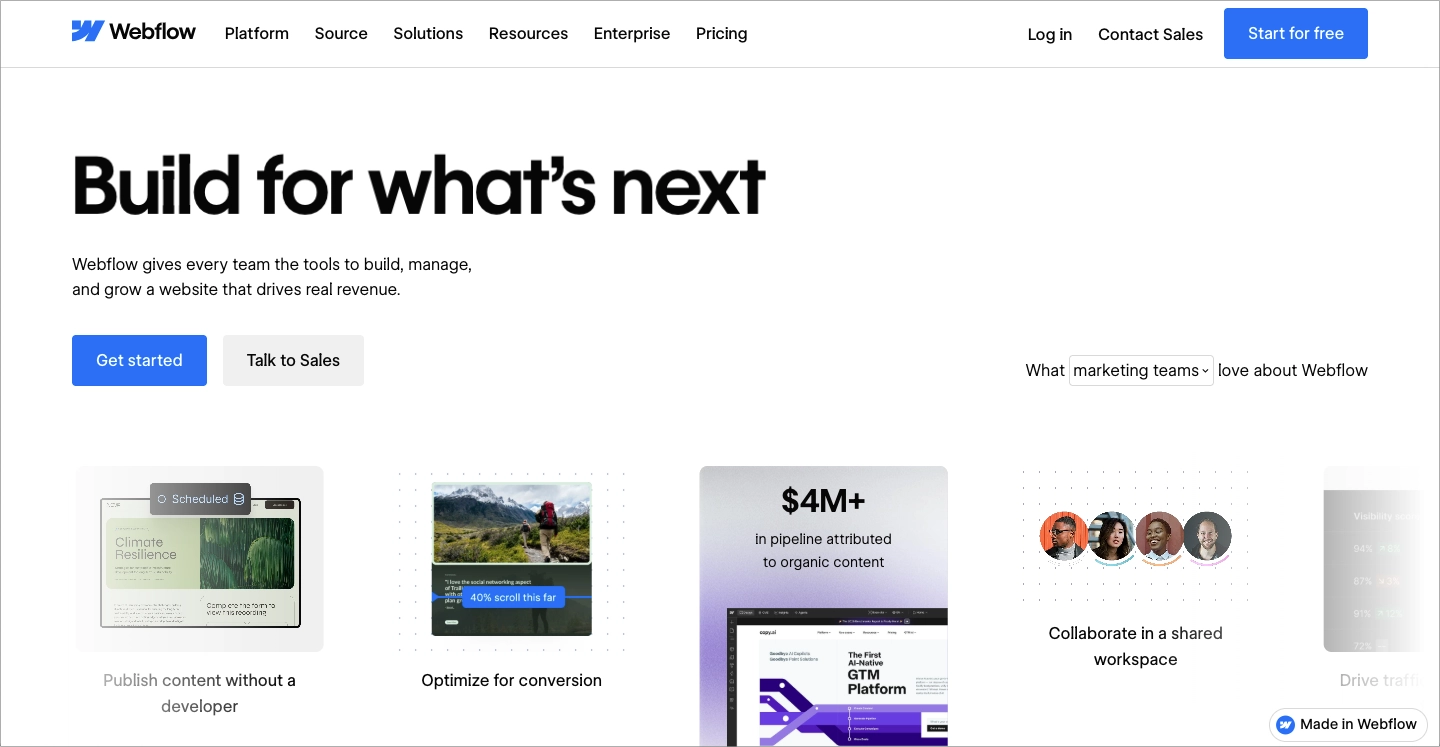
Webflow is a visual web development platform that gives you full control over HTML, CSS, and JavaScript output through a graphical interface. Its CMS lets you manage content collections and build dynamic page templates from structured data.
Webflow targets design-driven teams that need fine-grained control over layout, animation, and responsive behavior. The platform does not include native A/B testing or AI page generation tools for landing page campaigns.
Webflow benefits
- Visual CSS control: You can set spacing, typography, and animation properties through the visual editor.
- CMS collections: Dynamic content types let you build pages that pull structured data from a central content library.
- Custom interactions: Scroll-triggered animations and hover effects are configurable through a visual timeline editor.
Webflow pros and cons
Pros:
- Full visual control over CSS and layout behavior
- Dynamic CMS collections for structured content types
- Custom animations and interactions without custom code
Cons:
- No native A/B testing, which requires a third-party tool
- No AI landing page generation from a campaign brief
- Enterprise governance features like audit logs and role-based permissions require the Enterprise plan
6. Framer: motion and interaction-focused page creation
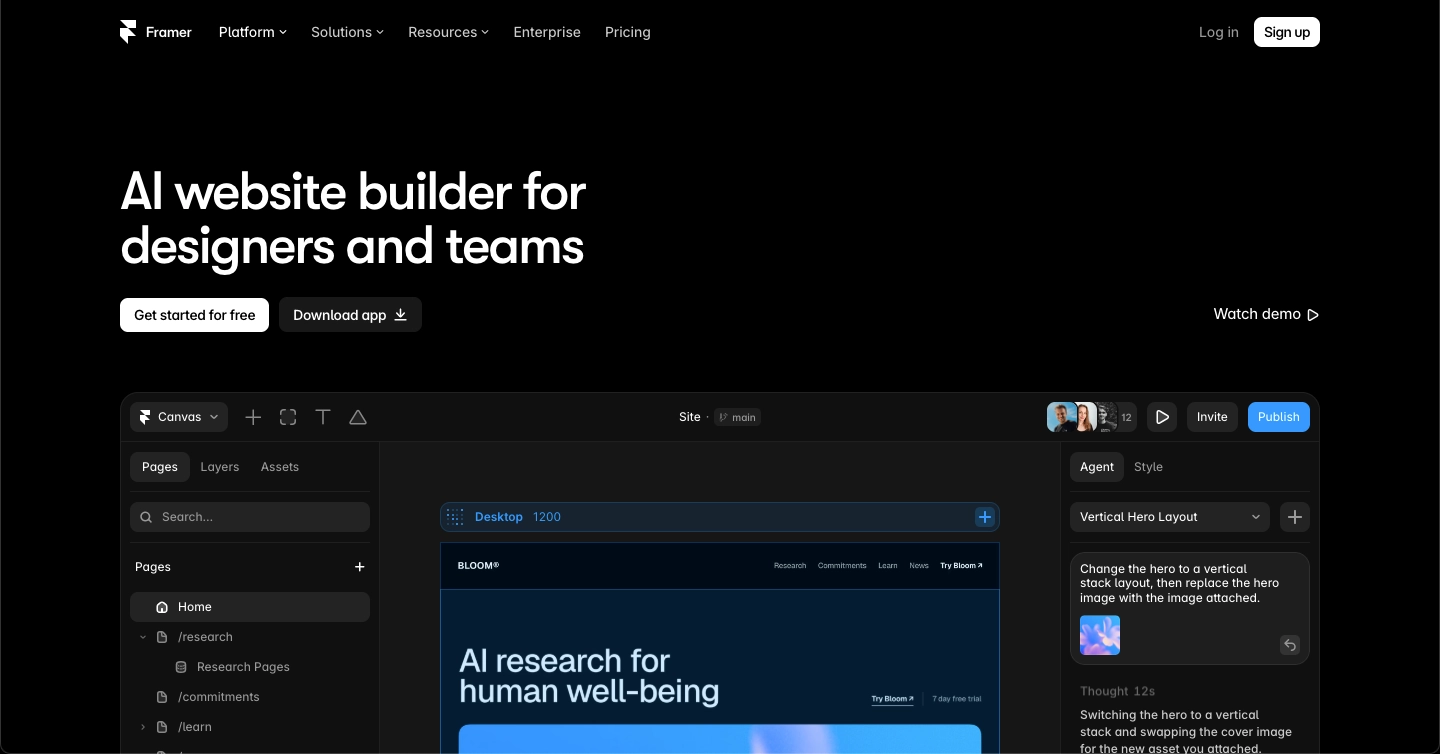
Framer is a web design tool with a focus on motion, interactive components, and visual transitions. The platform includes a CMS for managing content-driven pages and offers AI-assisted layout generation from text prompts.
Framer is oriented toward design teams that want precise control over micro-interactions, page animations, and scroll-based effects. It does not include native A/B testing or enterprise-level governance features like audit logs.
Framer benefits
- Motion design tools: You can create scroll-based animations, page transitions, and hover effects directly in the editor.
- AI layout generation: Framer includes an AI tool that generates page layouts from text prompts, giving you a starting structure to customize.
- Component system: Reusable design components with variants let you maintain consistency across multiple pages.
Framer pros and cons
Pros:
- Motion and animation tools are built into the visual editor
- AI generates initial page layouts from text descriptions
- Component-based system supports design consistency
Cons:
- No native A/B testing for landing page optimization
- No enterprise governance features like audit logs or user role management
- Integration options are more limited compared to dedicated landing page platforms
Comparison: Best AI Landing Page Builders for Enterprise Teams
The table below compares AI page generation, native testing, and audit logs across all six landing page platforms. It also highlights plan restrictions that matter when choosing a landing page builder for enterprise teams.
| Platform | AI page generation | Native A/B/X testing | Audit logs |
|---|---|---|---|
| Landingi | Yes (full page from prompt) | Yes (A/B/X) | Yes |
| Unbounce | Copy only | Yes (A/B) | No |
| Leadpages | Yes (full page from prompt) | Yes (up to 4 variants per test) | Scale plan only |
| Instapage | No | Yes (A/B) | No |
| Webflow | No | No | Enterprise plan only |
| Framer | Layout only | No | No |
Create, optimize, and manage landing pages in one AI-driven platform. No guesswork required.
What Should Enterprise Teams Look For in an AI Landing Page Builder?
Enterprise teams run campaigns across multiple markets, languages, and audience segments simultaneously. Your landing page builder needs to match that operational complexity. Look for platforms that include native governance controls like user roles, audit logs, and SSO. For financial services landing pages, also assess how the platform supports required disclosures, consistent messaging, and controlled access to page editing. These features let your compliance and security teams monitor changes without slowing down the marketing workflow.
How Do Integrations Affect Landing Page Performance At Scale?
Marketing integrations affect landing page performance at scale by connecting lead capture with CRM data and campaign reporting. Depth of builder’s integrations determines how quickly leads reach your sales team and how accurately you can identify which campaigns drive results.
Landingi supports more than 170 integrations, covering CRM, email marketing, analytics, payments, and automation tools. Landingi integrations send form submissions, conversion events, and behavioral data to your existing marketing stack without manual exports.
Disconnected tools create data gaps. When your landing page builder does not connect directly to your CRM or analytics platform, you lose visibility into which campaigns generate your most valuable leads.
Turn leads into action, faster! Connect your landing pages to your marketing stack and keep valuable data moving.
Why Landingi Is The Best AI Landing Page Builder For Enterprise Marketing Teams
Landingi gives your enterprise team a single AI platform for generating, publishing, testing, and optimizing landing pages at scale. Instead of coordinating separate tools for page creation, analytics, and experimentation, you work inside one connected workflow.
The combination of Lunar AI generation, A/B/X testing, Solis AI optimization insights, MCP server, and Programmatic Landing Pages means you can move from campaign brief to published, data-backed pages faster than with any other approach. Landingi connects to your CRM, email marketing, and analytics tools through native integrations, keeping your lead data connected across every campaign touchpoint.
Enterprise-grade controls, including audit logs, user permissions, 2FA, SSO, DORA, and GDPR-ready processes, give your security and compliance teams full oversight. Start a free trial and see how Landingi fits your team’s campaign workflow.
Give your team one place to create, publish, test, and optimize landing pages at enterprise scale.
FAQs About AI Landing Page Builders For Enterprise Teams
These FAQs address common questions about choosing an AI landing page builder for enterprise teams. Learn which capabilities matter for campaign scale, testing, integrations, and governance.
What makes an AI landing page builder ready for enterprise use?
An enterprise-grade AI landing page builder includes governance controls like audit logs, user roles, and SSO alongside campaign automation and testing tools. Landingi delivers all of these in one platform, with programmatic page generation, autoamtic translations, and integrations for enterprise-scale operations.
Can AI landing page builders generate full pages from a brief?
Some can. Landingi’s Lunar generates a complete, editable landing page by coordinating five AI models across copy, structure, and quality control tasks. Other tools offer AI assistance for text or layout only, requiring manual assembly of the final page.
How important is A/B testing in an enterprise landing page platform?
A/B testing is critical for enterprise teams running high-traffic campaigns. Landingi supports A/B/X testing, with Solis AI insights, letting you compare multiple variants and use data to guide optimization decisions rather than relying on assumptions.
Do enterprise teams need programmatic landing page generation?
Yes, enterprises benefit from programmatic landing page generation when campaigns require many page variants based on different products, offers, audiences, or locations. Landingi’s Programmatic Landing Pages let you generate hundreds of targeted pages from one template and a structured data source, saving weeks of manual page creation.
What integrations should an enterprise landing page builder support?
At minimum, your AI landing page builder should connect to your CRM, email marketing platform, analytics tools, and advertising platforms. Landingi offers 170+ integrations, including native connections to tools like HubSpot CRM, Salesforce, Google Analytics, and Zapier for custom workflows.
Choose an AI Landing Page Builder That Supports Your Enterprise Workflow
The best AI landing page builder for your enterprise depends on how your team creates, manages, and improves campaigns. Compare AI capabilities alongside testing, integrations, governance, and the ability to manage many page variants. A platform should support your daily workflow and give you room to scale.
Landingi’s page generation, analytics, experimentation, and programmatic creation capabilities support high-volume landing page optimization across products, offers, audiences, and locations. Start a free trial to explore how Landingi fits your campaign workflow!