
This AI landing page platform comparison evaluates six tools based on three governance priorities for CMOs: publishing controls, editing permissions, and brand and compliance standards at scale. Landingi leads the list with enterprise-grade governance built directly into the page creation workflow. If you’re comparing builders on broader enterprise criteria, see also our ranking of the best AI landing page builders for enterprise teams.
AI-generated landing pages ship faster than ever, but for enterprise marketing teams, speed without oversight creates risk. Unapproved copy, inconsistent branding, and compliance gaps can reach production before anyone reviews them. If you manage AI landing page tools across teams, regions, or regulated industries, governance controls belong at the center of your evaluation.
Quick sum-up: 6 best AI landing page tools for CMO governance
- Landingi: The best AI landing page platform for enterprise governance, compliance controls, and scalable page operations
- Instapage: Visual collaboration for marketing teams running multi-campaign programs
- Unbounce: AI-driven conversion routing for paid traffic optimization
- Webflow: Developer-oriented design control with enterprise security features
- HubSpot Content Hub: Content approval workflows within the broader HubSpot ecosystem
- Stensul: Governed creation for brand-safe marketing assets across channels
Want to see subaccounts, permissions, and audit logs on your own setup? Walk through them with a Landingi product specialist.
How We Chose the Best AI Landing Page Tools For Governance
Enterprise CMOs evaluate landing page tools differently than individual marketers. You need confidence that published pages meet brand standards, comply with regulations, and remain under operational control as your team scales. We selected six AI landing page platforms based on enterprise requirements for access control, compliance, brand consistency, and scalable page management.
- User permissions and role-based access: Can you control who creates, edits, and publishes pages, and can you restrict access by team, client, or project?
- Audit trails and activity logs: Does the platform record who changed what and when, so you can trace decisions during compliance reviews?
- Brand consistency at scale: Are there reusable components, locked templates, or governed sections that prevent drift across hundreds of pages?
- Compliance and security infrastructure: Does the platform support GDPR data handling, automatic SSL, SSO, and SOC 2 or ISO certifications?
- Scalable page management: Can you generate, update, and manage large volumes of pages without multiplying manual work?
- AI capabilities with human oversight: Can users review AI output before publication, and do the same access restrictions apply to actions initiated through APIs or connected AI assistants?
- Integration depth: Does the platform connect to your existing CRM, analytics, and marketing automation stack without custom development?
Permissions determine who can act, approval workflows determine when content can go live, and audit logs record activity. Verify each separately: having one does not establish that the platform provides the others.
The Best AI Landing Page Tools For CMO Governance
The best AI landing page tools for CMO governance are Landingi, Instapage, Unbounce, Webflow, HubSpot Content Hub, and Stensul. Compare six AI platforms by how they manage access, approvals, and brand consistency across teams. Check which controls each platform provides and which plans include them.
1. Landingi: best overall AI landing page platform for enterprise governance
Landingi gives enterprise marketing teams a complete landing page operation system with governance built into every layer. The platform combines AI-powered page creation through Lunar with granular user permissions, landing page MCP server, audit logs, and reusable Smart Sections that enforce brand consistency across every page your team publishes.
Where Landingi stands apart for CMOs is its enterprise architecture. Landingi’s subaccounts let you separate teams, clients, or regions under one main account while controlling exactly who can access, edit, or publish specific pages. Audit logs track every change, giving compliance teams a clear record of who did what and when.
Landingi supports Programmatic Landing Pages, which generate hundreds of personalized pages from a single template. Programmatic page generation reduces repetitive manual work while keeping landing page variations consistent with approved design standards. For regulated industries, the platform includes GDPR-compliant data handling, automatic SSL, and supports SOC 2 and ISO certifications.
Landingi benefits
- Lunar AI page creation: Generate complete, editable landing pages from a campaign brief, then refine them in the pixel-perfect editor before publishing. Meet Lunar AI.
- Smart Sections: Build reusable, locked page components that maintain brand standards across every page, even when multiple teams publish simultaneously. Explore Smart Sections.
- EventTracker micro-conversion analytics: Record clicks, scroll depth, and form interactions without third-party scripts, so you see exactly where visitors engage or drop off. Learn about EventTracker.
- Solis AI insights: Get optimization recommendations based on real visitor interaction data rather than guesswork. See how Solis works.
- A/B/X testing: Compare page variants and apply winning changes directly in the same editor used to build the page. Learn more about A/B testing in Landingi.
- 170+ integrations: Connect landing pages to your CRM, email, analytics, and payment tools without custom development. Browse integrations.
Turn a campaign brief into an on-brand landing page with AI!
Landingi pros and cons
Pros:
- Subaccount structure with role-based permissions and audit logs provides full governance visibility for enterprise teams
- Programmatic Landing Pages scale page production without multiplying manual work across campaigns and regions
- AI-powered creation, optimization, and analytics operate within one platform, reducing tool sprawl
Cons:
- Governance features such as subaccounts and advanced user management are available on Scale and Enterprise plans
- The breadth of features may require onboarding time for teams new to dedicated landing page platforms

2. Instapage: visual collaboration for multi-campaign teams
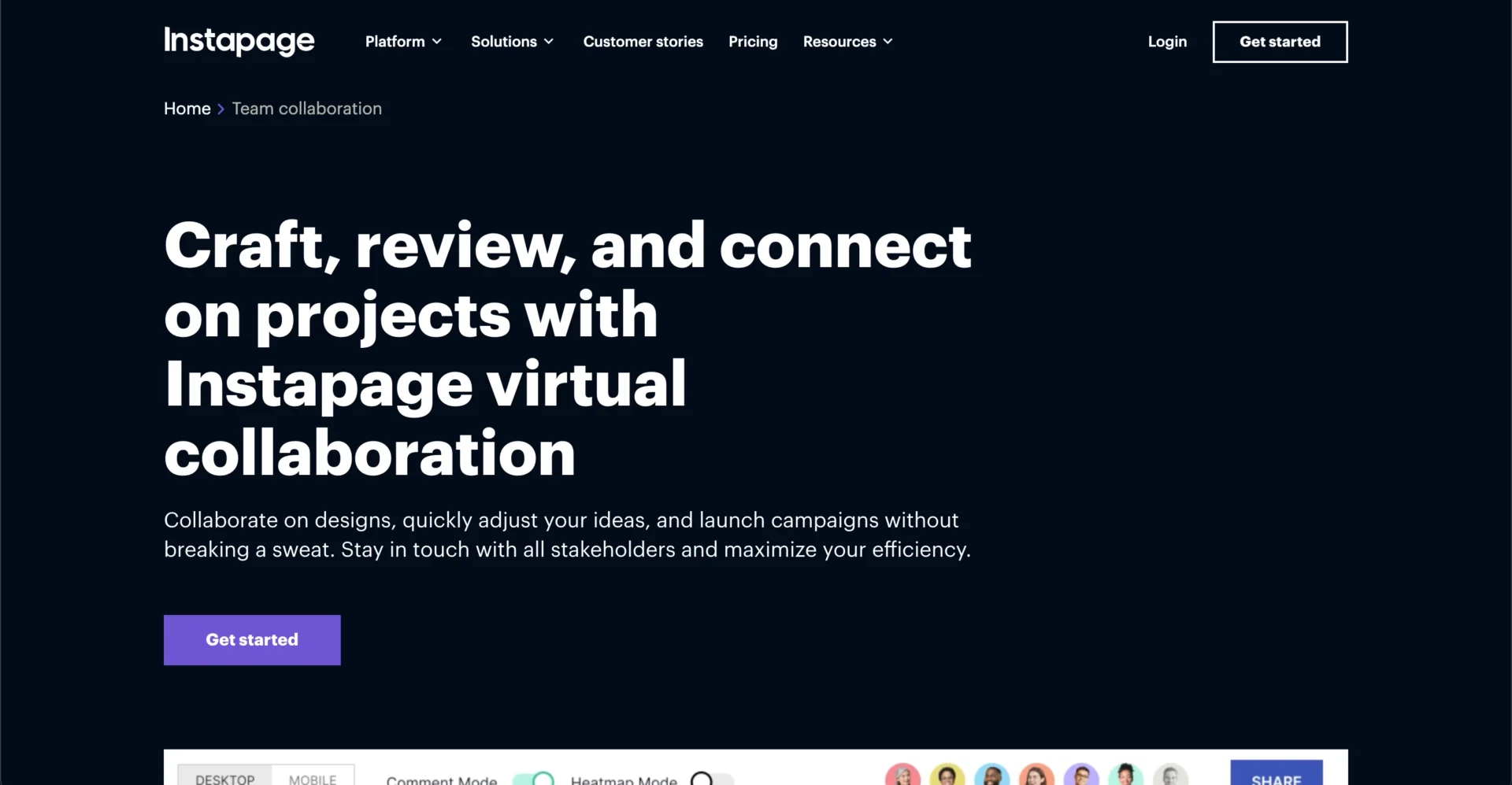
Instapage focuses on post-click optimization and offers visual collaboration features that let teams leave feedback directly on page designs. The platform includes reusable page blocks and programmatic page generation, which help larger teams maintain consistency across campaigns.
Instapage AdMap visually connects ads to their corresponding landing pages, helping marketing teams identify gaps in campaign coverage. Real-time collaboration and secure sharing give stakeholders a way to review pages without version conflicts or separate communication threads.
Instapage features
- Visual on-page collaboration: Leave comments directly on the page design so feedback stays connected to the element it references
- AdMap campaign visualization: See which ads connect to which landing pages and identify missing coverage across campaigns
- Reusable page blocks and forms: Save custom components and reuse them across pages to reduce repetitive design work
Instapage pros and cons
Pros:
- On-page collaboration reduces the back-and-forth of email-based review cycles
- AdMap provides a useful overview for agencies and teams managing multiple ad accounts
- Heatmaps and conversion analytics are included, not gated behind separate tools
Cons:
- Enterprise-level features such as advanced permissions and dedicated support require higher-tier plans
- The platform does not include built-in micro-conversion tracking comparable to event-level analytics
- Teams managing fewer than eight simultaneous campaigns may not use the full depth of AdMap and multi-experience tools
3. Unbounce: AI-driven conversion routing for paid traffic
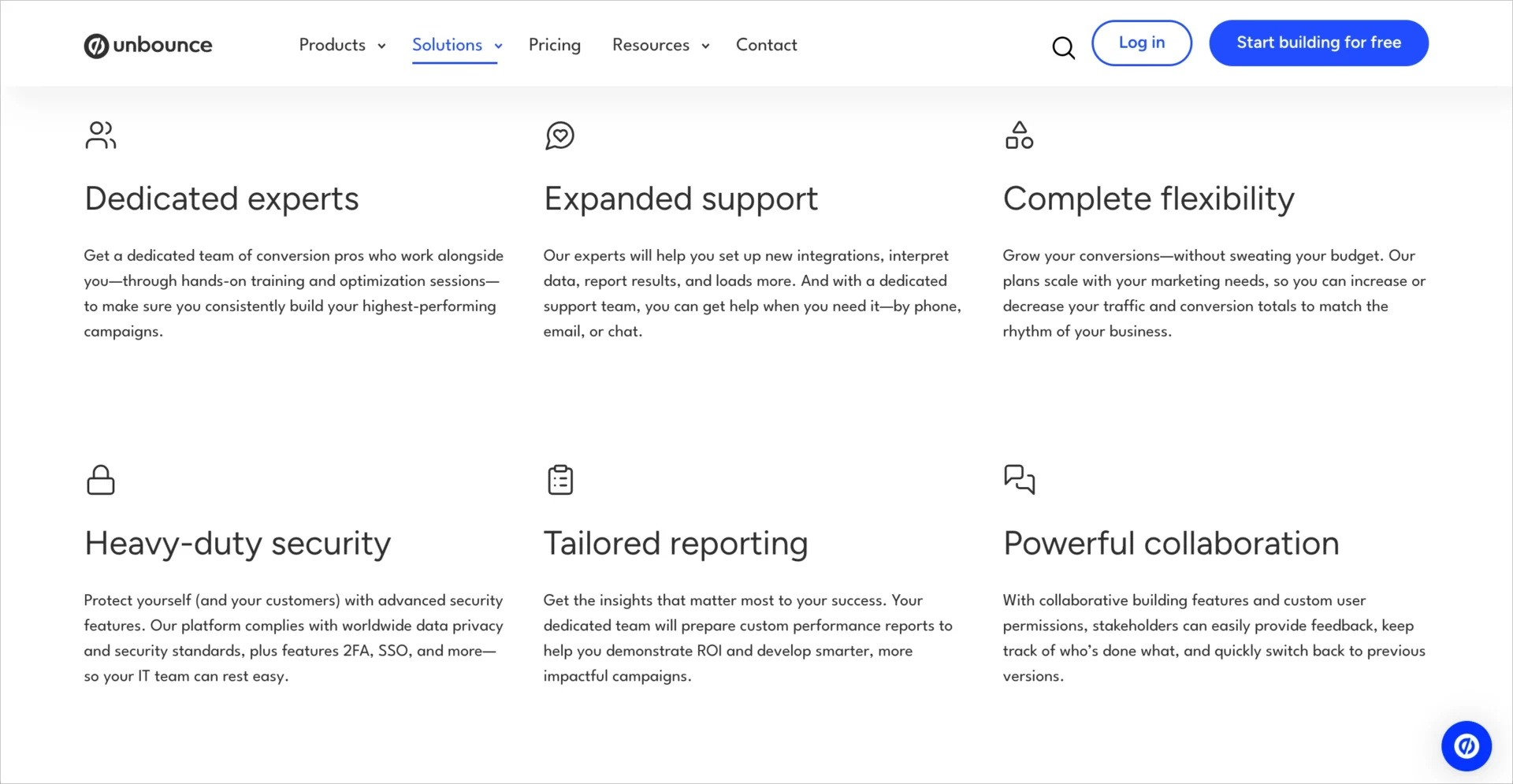
Unbounce centers its platform around conversion optimization through Smart Traffic, an AI system that routes visitors to the page variant most likely to convert based on attributes such as device type and location. The platform also offers an MCP integration that connects to AI assistants like ChatGPT and Claude for conversational page management.
For governance-focused CMOs, Unbounce includes user roles, page-level permissions, and A/B testing workflows that keep optimization within controlled boundaries. Dynamic Text Replacement personalizes headlines to match the search terms visitors used, maintaining message consistency from ad to page.
Unbounce features
- Smart Traffic AI: Routes each visitor to the landing page variant with the highest conversion probability based on their attributes
- MCP server integration: Build and manage pages through conversational prompts in external AI assistants
- Dynamic Text Replacement: Adjusts headline copy to match the keyword or ad a visitor clicked
Unbounce pros and cons
Pros:
- Smart Traffic automatically optimizes variant distribution without waiting weeks for statistical significance
- MCP integration allows page management from ChatGPT or Claude for teams already using those tools
- A/B testing is available across plans, not restricted to enterprise tiers
Cons:
- The template library includes roughly 100 options
- No built-in subaccount structure for separating client or regional page management under one account
4. Webflow: developer-oriented design control with enterprise security
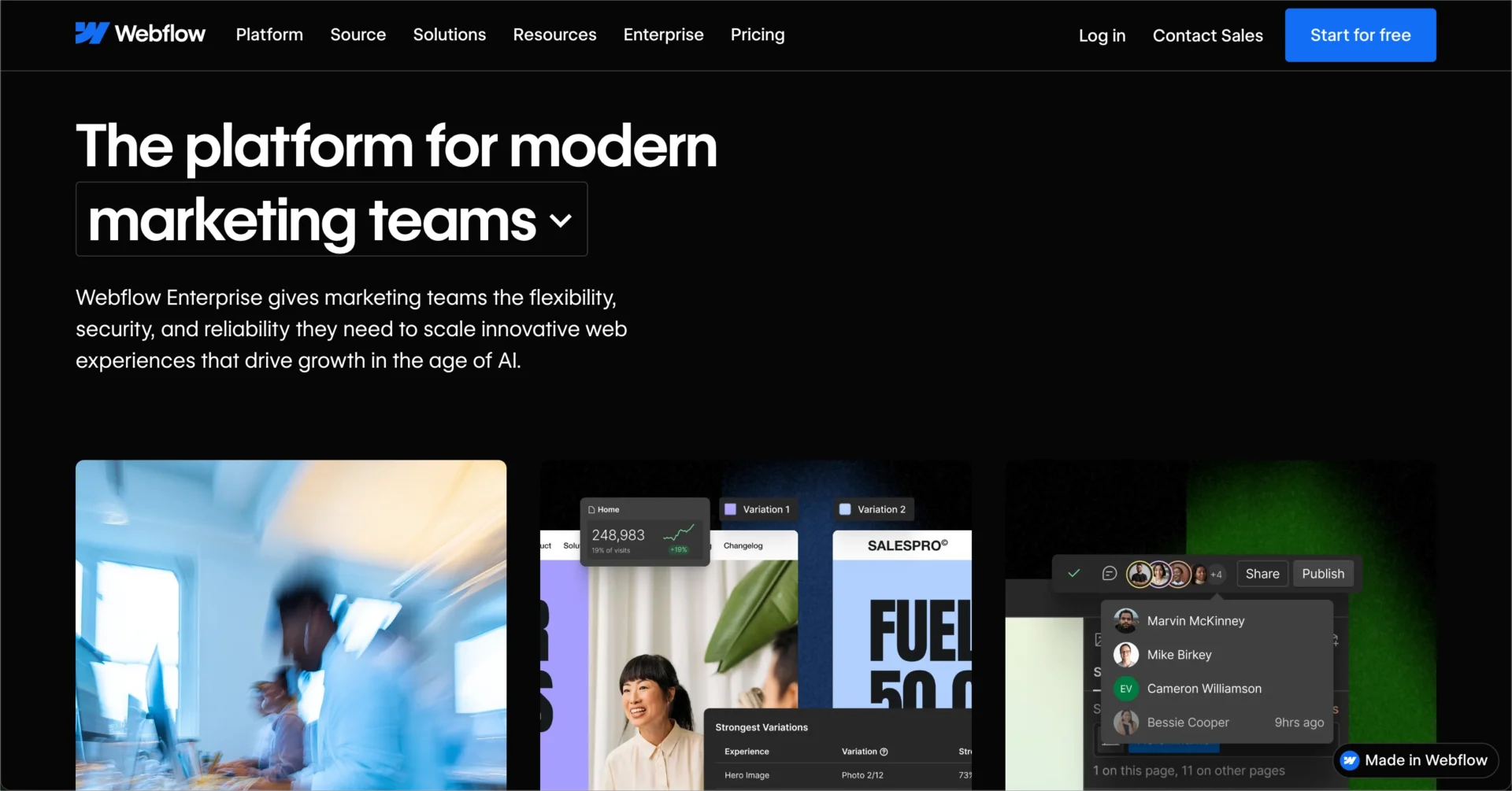
Webflow provides a visual development environment that gives design and engineering teams precise control over page structure, animations, and responsive behavior. The enterprise tier adds SSO, SCIM provisioning, granular access controls, custom roles, and workspace audit log APIs.
For CMOs at organizations where the web team includes developers, Webflow offers the flexibility to build pages that match exact brand specifications. Single-page publishing lets teams update individual pages without redeploying an entire site, which reduces the risk of unintended changes reaching production.
Webflow features
- Granular enterprise access control: Assign custom roles with specific permissions for different team members
- Workspace audit log API: Programmatically access activity records for compliance reporting
- Single-page publishing: Update one page at a time without affecting the rest of the site
Webflow pros and cons
Pros:
- Custom roles and SCIM provisioning integrate with enterprise identity management systems
- The visual development environment supports pixel-level design precision
- Audit log API enables integration with third-party compliance monitoring tools
Cons:
- The platform requires development knowledge for advanced customization, limiting accessibility for marketing-only teams
- Enterprise governance features such as SSO and custom roles are only available on the Enterprise plan
- There is no built-in A/B testing tool, so conversion optimization requires third-party integrations
5. HubSpot Content Hub: content approvals within the HubSpot ecosystem
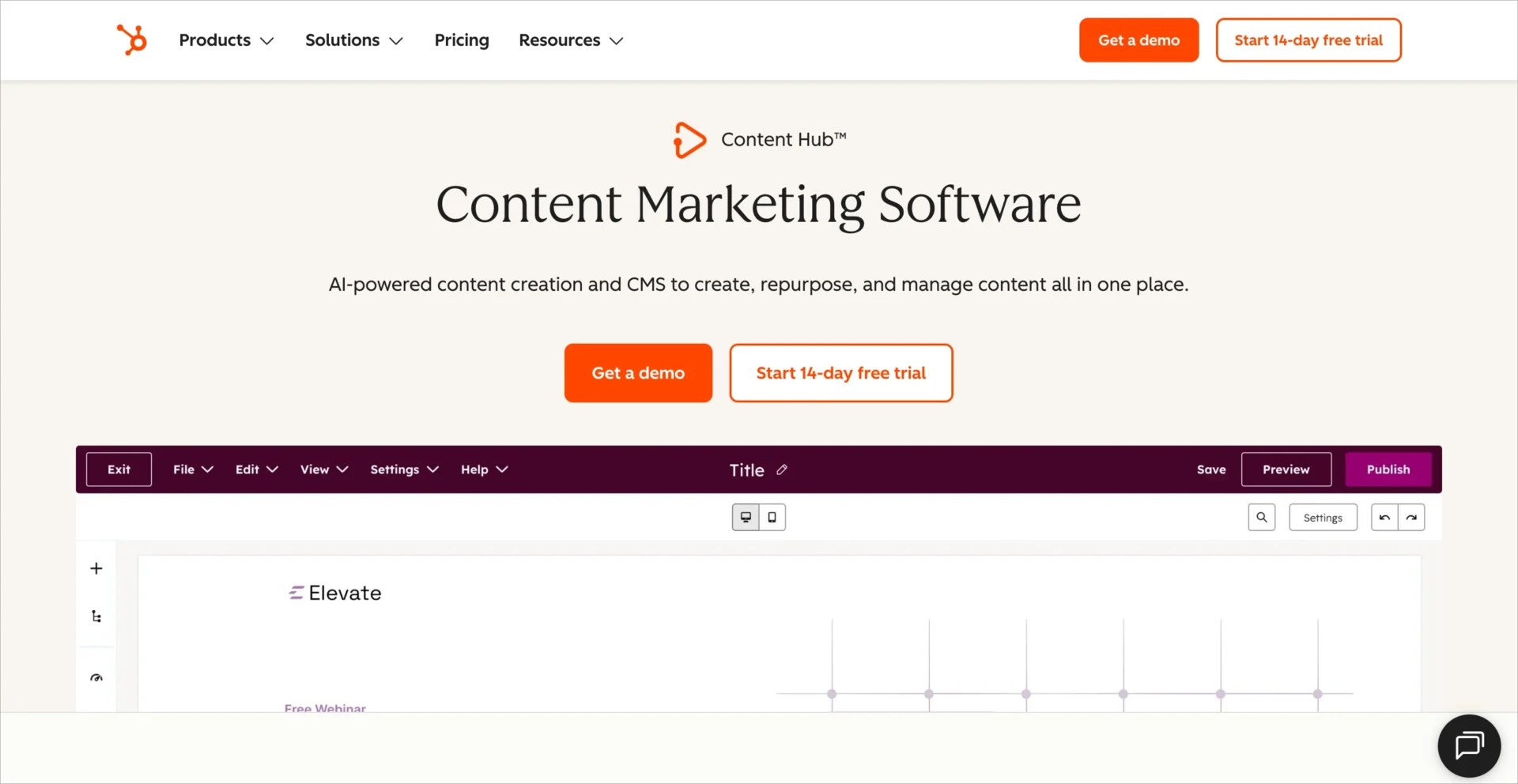
HubSpot Content Hub includes content approval workflows that require designated reviewers to approve pages before publication. This feature is available on Enterprise subscriptions and integrates with HubSpot’s broader marketing, sales, and service tools.
For organizations already using HubSpot as their CRM and marketing platform, Content Hub provides a unified environment where landing pages connect directly to contact records, email workflows, and campaign reporting. Asset-level access controls let admins restrict who can view or edit specific content.
HubSpot Content Hub features
- Content approval workflows: Require review and approval from designated users before any page or post can be published or scheduled
- Asset-level access controls: Restrict view and edit permissions for specific pages, files, and campaigns by team or user
- Unified CRM integration: Landing page form submissions connect directly to contact records and trigger automated workflows
HubSpot Content Hub pros and cons
Pros:
- Content approval workflows give compliance teams a formal gate before publication
- Native CRM integration connects page performance directly to pipeline and revenue reporting
- The broader HubSpot ecosystem reduces tool switching for teams already on the platform
Cons:
- Content approval and advanced permissions require an Enterprise subscription
- The landing page editor offers less design flexibility than dedicated landing page platforms
- Organizations not already using HubSpot face a broader platform commitment to access these governance features
6. Stensul: governed creation for brand-safe marketing assets
Stensul positions its Governed Creation platform as a way for enterprise marketing teams to produce brand-safe landing pages and emails without developer involvement. The platform includes reusable governed modules, built-in brand guardrails, and collaborative review workflows.
For CMOs in regulated industries or organizations with strict brand standards, Stensul provides a framework where marketers create within pre-approved boundaries. This approach reduces the need for manual review cycles while maintaining compliance with brand and regulatory requirements.
Stensul features
- Governed Creation modules: Pre-approved, reusable components that enforce brand and compliance standards during the build process
- Real-time team collaboration: Multiple stakeholders work on the same asset with a single source of truth
- Mobile-first optimization: Automatic responsive adjustments with element-level visibility controls
Stensul pros and cons
Pros:
- Governed modules enforce brand consistency at the component level, reducing review overhead
- Collaborative workflows keep all feedback in one place rather than scattered across email threads
- The platform covers both landing pages and email creation under one governance framework
Cons:
- The platform is focused on governed creation rather than landing page optimization and analytics
- There are no built-in A/B testing or conversion tracking capabilities
- Stensul is a newer entrant in the landing page space, with fewer independent reviews compared to established platforms
Comparison: The Best AI Landing Page Tools For Governance
Ask each vendor to demonstrate the same workflow: a regional marketer creates an AI draft, a reviewer requests changes, and an authorized user publishes it. Check whether the marketer can bypass review and whether the activity record identifies each action.
| Platform | Audit Logs | Programmatic Pages | AI Page Generation | Brand consistency |
|---|---|---|---|---|
| Landingi | Yes | Yes | Yes | Smart Sections, Brand Kit |
| Instapage | No | Yes | Yes | Global Blocks |
| Unbounce | No | No | Yes | Templates and reusable blocks |
| Webflow | Yes | No | No | Components and Libraries |
| HubSpot Content Hub | Yes | No | Yes | Verify template restrictions |
| Stensul | No | No | No | Locked modules and styles |
Audit logs, programmatic pages, and AI page generation in one platform. See how they work on your next campaign.
How Does AI Governance Apply to Landing Page Operations?
AI governance in landing page operations refers to the policies, permissions, and technical controls that determine how AI-generated content moves from creation to publication. For enterprise teams, this includes defining who can prompt AI tools, who reviews the output, and what guardrails prevent unapproved content from going live.
According to Gartner’s 2025 research on AI brand governance, CMOs face unanticipated brand risks from AI implementation, particularly in content creation and compliance reviews. Establishing governance protocols for AI-assisted landing page creation helps you mitigate those risks.
Landingi addresses marketing operations by combining AI page generation through the Lunar generator with role-based permissions and audit logs. Your team uses AI to accelerate page creation, and your governance structure controls what reaches publication.
Landingi extends AI governance to external assistants through Orbit, its MCP server. Orbit connects tools like ChatGPT and Claude to a selected Landingi account or subaccount, allowing teams to create, edit, and publish landing pages through natural-language commands while limiting AI access to supported actions. Connections use OAuth or API tokens and can be revoked when needed.

What Should CMOs Prioritize When Selecting an AI Landing Page Platform?
Start with the controls that protect your brand at scale. Evaluate user permissions, approval workflows, and audit trail capabilities before reviewing page design features. A platform that produces visually appealing pages but lacks role-based access or activity logging creates operational risk as your team grows.
Assess how an AI landing page platform handles high-volume page production across regions, languages, and product lines. Programmatic generation, reusable components, and centralized brand settings help enterprise teams scale campaigns while maintaining brand consistency. Landingi combines Programmatic Landing Pages for creating pages at scale, Smart Sections for updating shared elements, and Brand Kit for keeping AI-generated pages aligned with brand guidelines.
Verify integration depth with your existing stack. A landing page tool that connects natively to your CRM, analytics, and marketing automation reduces data silos and improves reporting accuracy. Landingi supports 170+ integrations across CRM, email, analytics, and payment tools, and fits into a broader conversion optimization workflow.

Before choosing an AI landing page platform, ask your team to demonstrate the full workflow: generate a draft, review it, publish it, and use performance data to plan an improvement.
Want to see subaccounts, permissions, and audit logs on your own setup? Walk through them with a Landingi product specialist.
FAQs About AI Landing Page Tools For CMO Governance
Choosing an AI landing page platform for enterprise teams requires evaluating more than page generation capabilities. These FAQs explain how AI landing page tools support governance, brand consistency, access control, integrations, and conversion optimization at scale.
What are AI landing page tools?
AI landing page tools are platforms that use artificial intelligence to generate, optimize, or personalize landing pages. Landingi includes Lunar for AI page generation and Solis for AI-driven performance insights, giving you both creation speed and optimization intelligence within one platform.
Why do CMOs need governance controls in landing page tools?
Governance controls prevent unapproved content, inconsistent branding, and compliance violations from reaching production. Landingi provides role-based permissions, subaccounts, and audit logs that give CMOs full visibility into who creates, edits, and publishes landing pages across the organization.
Can AI landing page tools maintain brand consistency at scale?
They can when the platform includes reusable governed components. Landingi uses Smart Sections to lock approved design elements, so every page your team publishes stays within brand guidelines regardless of how many pages you manage.
How does Landingi support landing page optimization for enterprises?
Landingi combines A/B/X testing, EventTracker micro-conversion analytics, and Solis AI insights in one platform. You test page variants, track visitor interactions at the element level, and receive data-driven recommendations without switching between separate tools.
What integrations do AI landing page tools support?
Integration depth in AI tools varies by platform. Landingi connects to 170+ external tools, including CRM systems, email marketing platforms, analytics tools, and payment processors. This reduces data silos and keeps your landing page data flowing into the systems your team already uses.
Choose AI Landing Page Platform That Keeps You In Control
Governance is what lets enterprise teams use AI at full speed. Pick a platform where permissions, audit logs, and brand-locked components are part of the workflow, not a separate review step. For a wider view of the market, compare the 15 best landing page builders or revisit the landing page best practices your governed templates should follow.
Landingi brings AI-powered page creation, scalable campaign management, and enterprise governance controls into one platform, helping marketing teams maintain brand consistency without slowing down production. With clear access controls, audit logs, and reusable brand assets, CMOs can scale landing page operations while keeping oversight where it belongs.